• File Name On/OFF: Enable/Disable le name display in Thumb-
nail Display Mode.
Press Up/Down/Left/Right key to choose different functions and
press Enter key to make it effect.
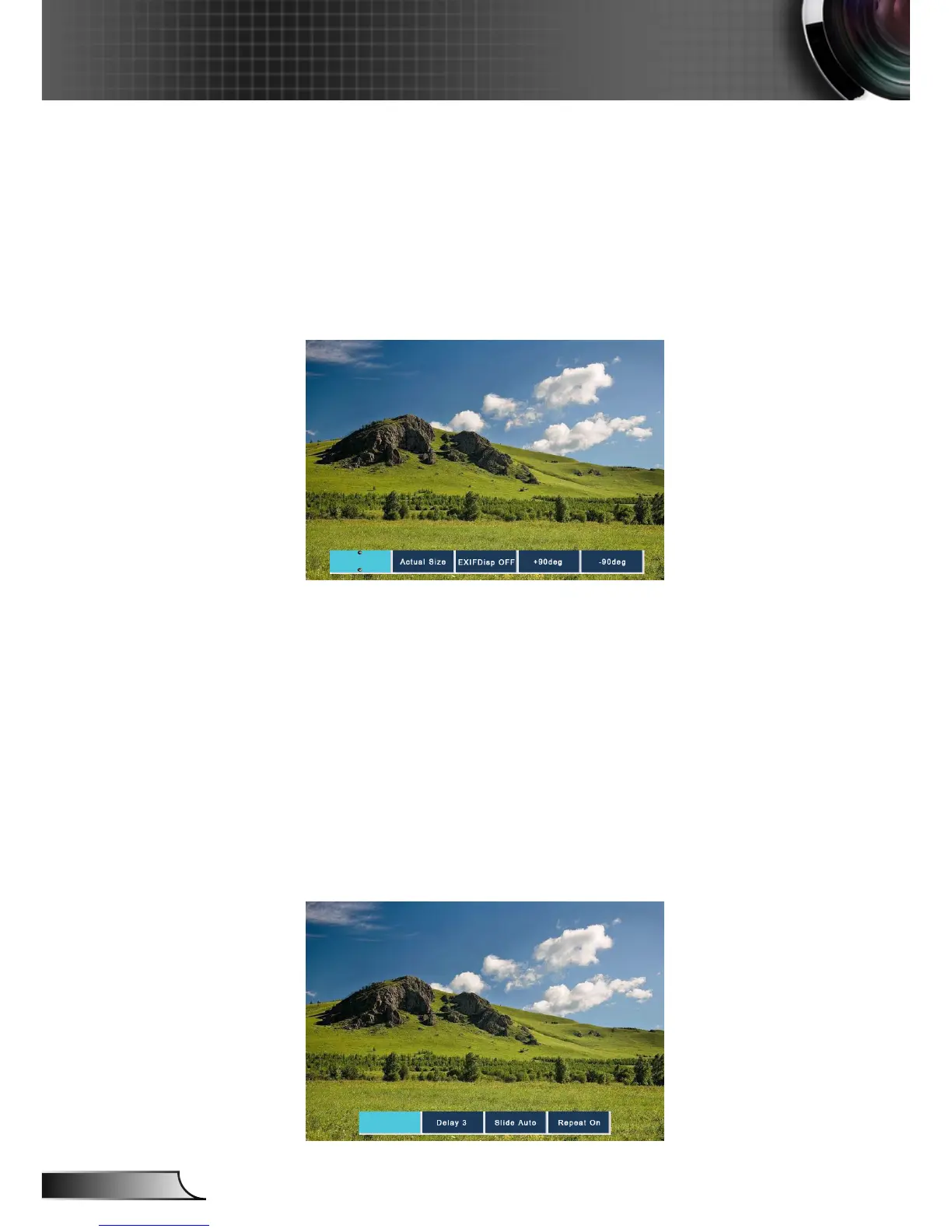
3. In the menu of Thumbnail mode, choose Display function, or
choose le and press “Enter” to enter Display mode. The following
buttons are supported in the user interface:
• Display: Enter the Image Display Mode.
• Thumbnail: Enter the Thumbnail Display Mode.
• Slide Show: Enter the Slide Show Mode.
• Actual Size: Display in actual size of the image.
• Best Fit: Display the image in best t to the screen.
• EXIF Disp OFF/On: Enable/Disable EXIF information display.
• +90/-90 deg: Rotate 90/-90 degree.
Press Up/Down/Left/Right key to choose different functions and
press Enter key to make it effect.
4. Press the SlideShow key to enter the Slide Show Mode. The fol-
lowing buttons are supported in the user interface:












 To Next Page