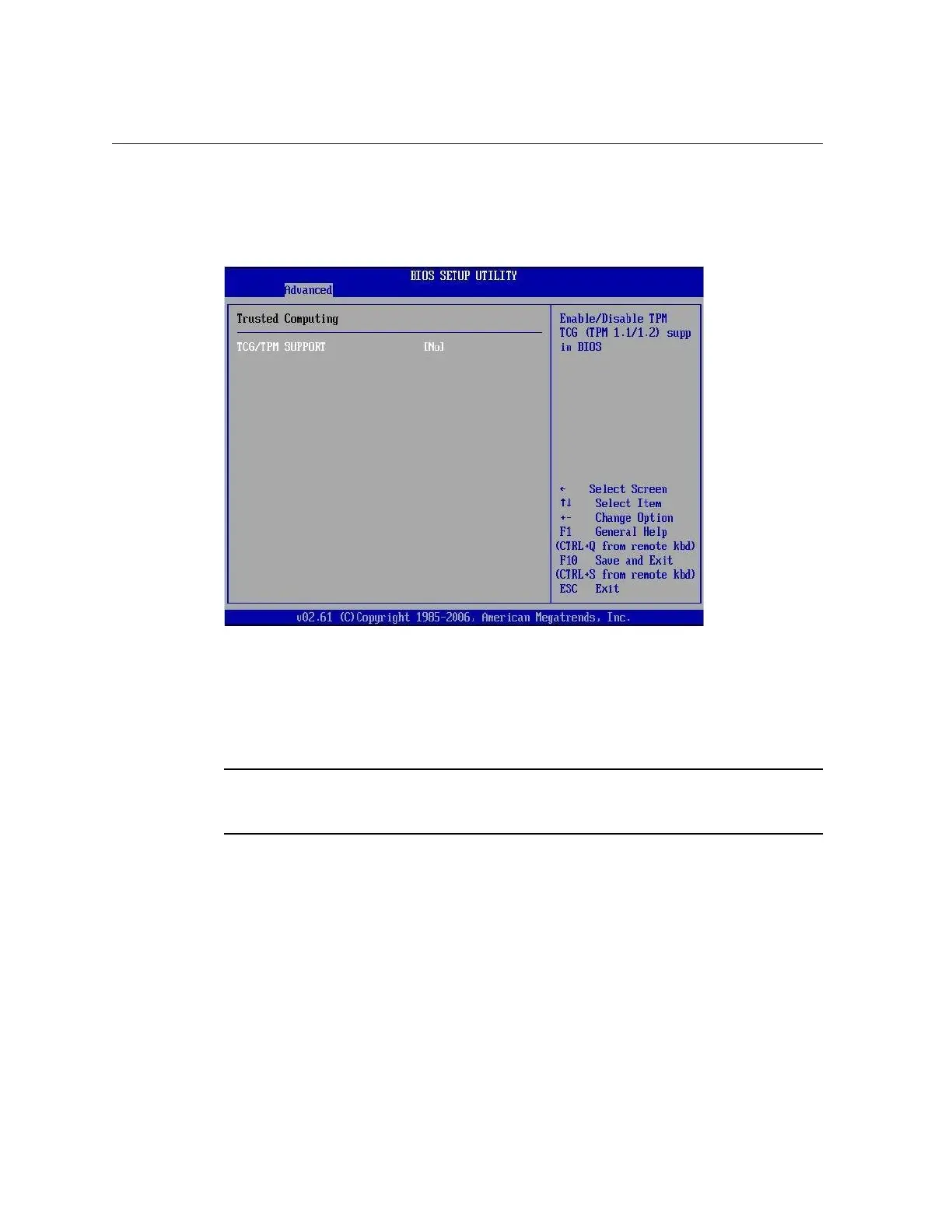
Configure TPM Support in BIOS
The Trusted Computing screen appears.
4.
In the Trusted Computing screen, select the TCG/TPM Support.
A pop-up dialog box appears.
5.
In the pop-up dialog box, set the TCG/TPM Support option to Yes and click OK.
Note - Even if the TCG/TPM Support was already set to Yes in the dialog shown above,
continue on and complete the remaining steps of this procedure to ensure that all TPM
configuration requirements are satisfied.
Appendix A • Servicing the Oracle Database Appliance Version 1 263












 To Next Page