Configure TPM Support in BIOS
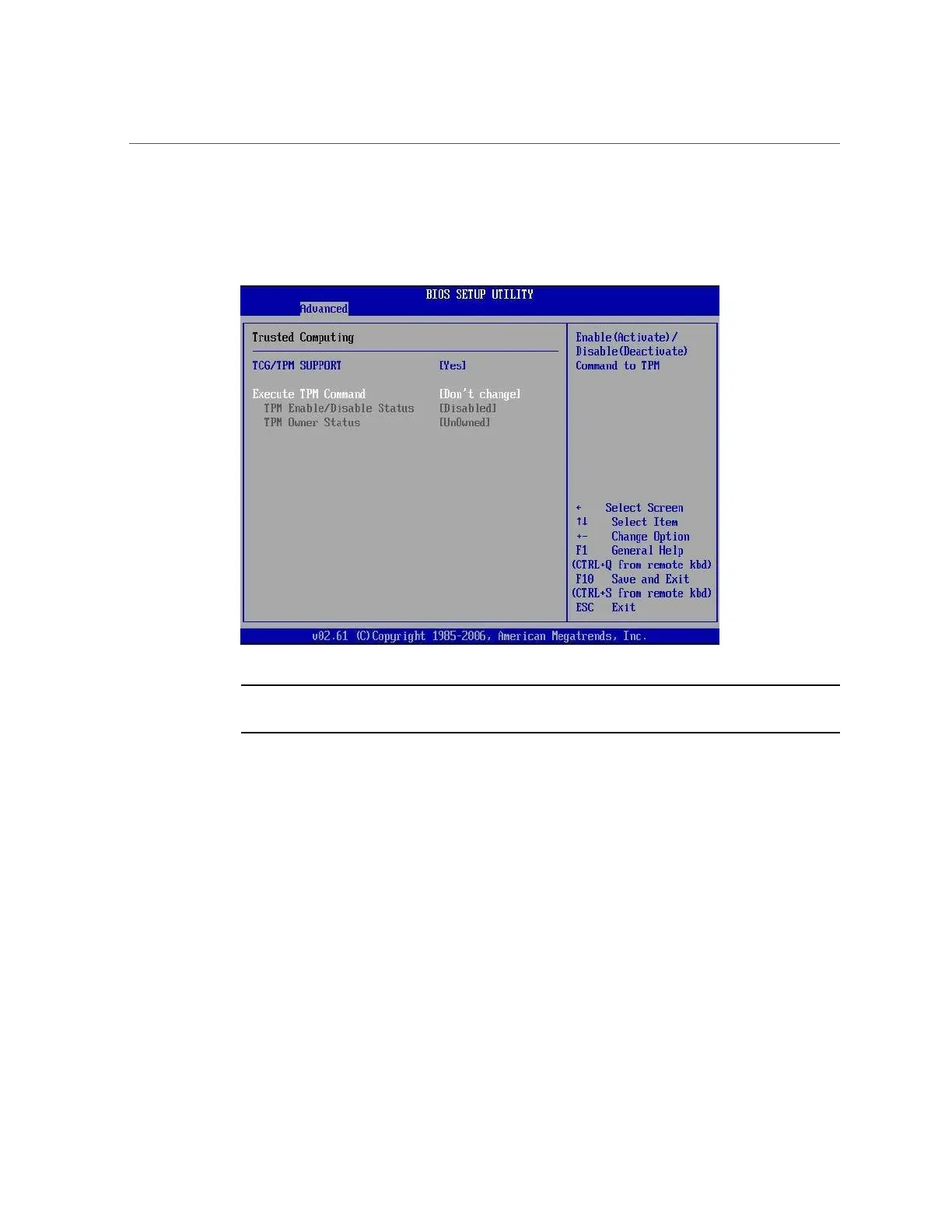
The updated Trusted Computing dialog appears and shows that the TCG/TPM Support setting
has changed to Yes.
Note - In the above screen, the Execute TPM Command setting shows the default, Don't
Change.
6.
In the Trusted Computing screen, select the Execute TPM Command option
setting.
A pop-up dialog box appears.
7.
In the pop-up dialog box, set the Execute TPM Command option to Enabled and
click OK.
264 Oracle Database Appliance Service Manual • November 2017












 To Next Page