Manual for Tire Pressure Monitoring Systems, TPMS
13/20
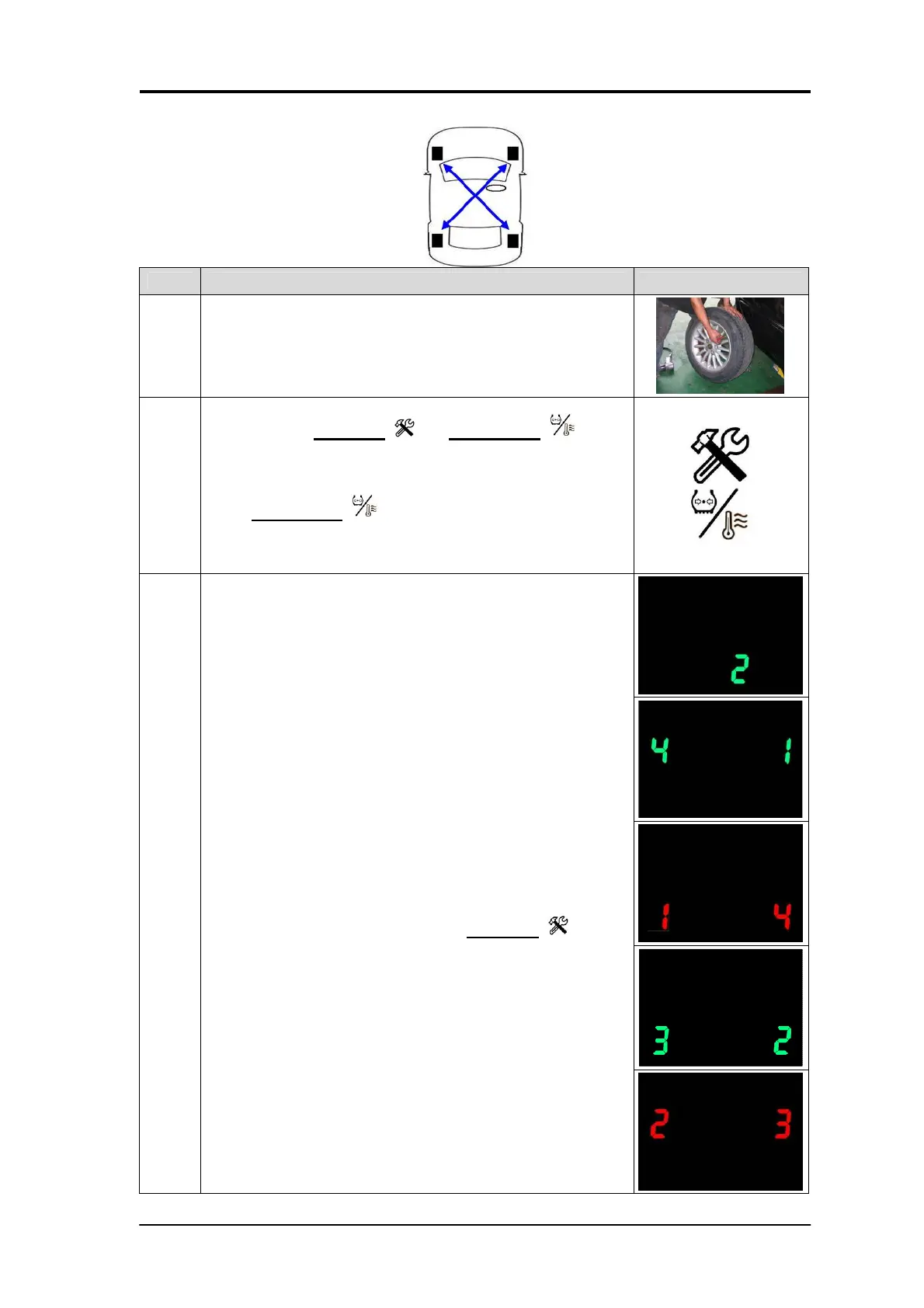
Mode 2: Tires diagonal exchanged
Step
Operation process Photograph
1
Rotate the tires diagonally. To prevent from incorrect
positioning, mark the tires.
2
Press both the setup key and function key
simultaneously for 5 seconds. The display will flash green
and red, and a “beep” sound will be heard. You can release
the buttons, and the system has entered into mode 1. Re-
press function key for 1 second and wait for “beep”,
then the LED will show”2” and system will have entered into
mode 2.
3
3-1
After entering mode 2, the display will show “2”.
3-2
Tires No1.and No.4 with green LED lights will turn red, and
Tires No.2 and No.3 with green lights first and then turn red.
(This means Tires are exchanged diagonally).
3-3
The operator only needs to press the setup key for 1
second and listen for the “beep”. This means the mode 2
has been chosen and will exchange all four sensors ID
positions and will automatically return the monitoring status
to normal.


 To Next Page