Manual for Tire Pressure Monitoring Systems, TPMS
9/20
Tire Under Pressure Warning
Tire Over Pressure Warning
Step
Operation process Photograph
1
After the setting operation of low tire pressure, the system
will automatically entry the setting mode of high tire
pressure.
2
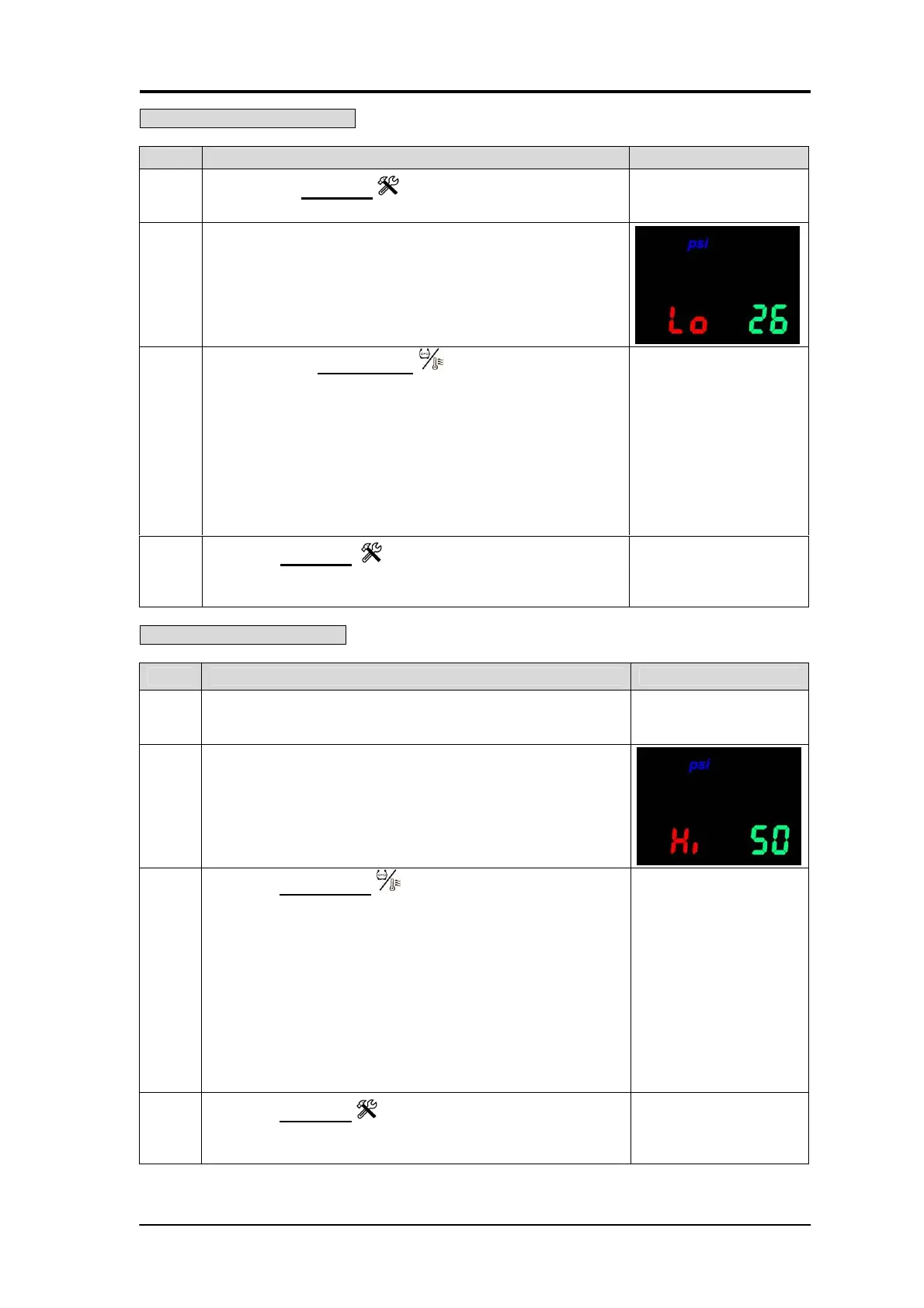
The wireless receiver and display unit will now show the
high tire pressure factory default (50 psi / 350 kPa / 3.5 bar)
shown in green light and the blue light indicates the ”psi”. or
pre-selected units ( kPa or bar).
3
Press the function key to adjust the high tire pressure
warning value.
The high pressure figure set up range is from 40 psi to 60
psi, ( the kPa value will add 10 units; and the unit value will
return to 280 kPa when it has reached 420 kPa / the bar
value will add 0.1 units; and the unit value will return to 2.8
bar when it has reached 4.2 bar), the driver can continually
push the function key (the lower button) to adjust the
appropriate low pressure figure; the factory default value
is 50 psi.
When the tire pressure exceeds this setting, the system will
generate warning signals.
4
Press the setup key to complete the low pressure
setting operation. The system will automatically entry the
high tire temperature setting mode.
Step Operation process Photograph
1
Pressing the setup key for over 3 seconds can change
to the low pressure set up mode.
2
The wireless receiver and display unit will show the low tire
pressure preset default (26 psi / 180 kPa / 1.8 bar) which
shown in green and the preset unit ( psi or kPa or bar)
shown in blue, here indicates ”psi”.
3
By pressing the function key once, the psi value will
add 1 unit; and the unit value will return to 18 psi when it
has reached 35 psi. ( the kPa value will add 10 units; and
the unit value will return to 120 kPa when it has reached
250kPa / the bar value will add 0.1 units; and the unit value
will return to 1.2bar when it has reached 2.5 bar) The
system will use this setting as the standard value for low
tire pressure monitoring, which means when the tire has
deflated to a pressure value lower than this setting, the
system will automatically start to warn the driver.
4
Press the setup key to exit the low tire pressure
warning value setup mode. The system will automatically
enter the high tire pressure set up mode.


 To Next Page