Page
17
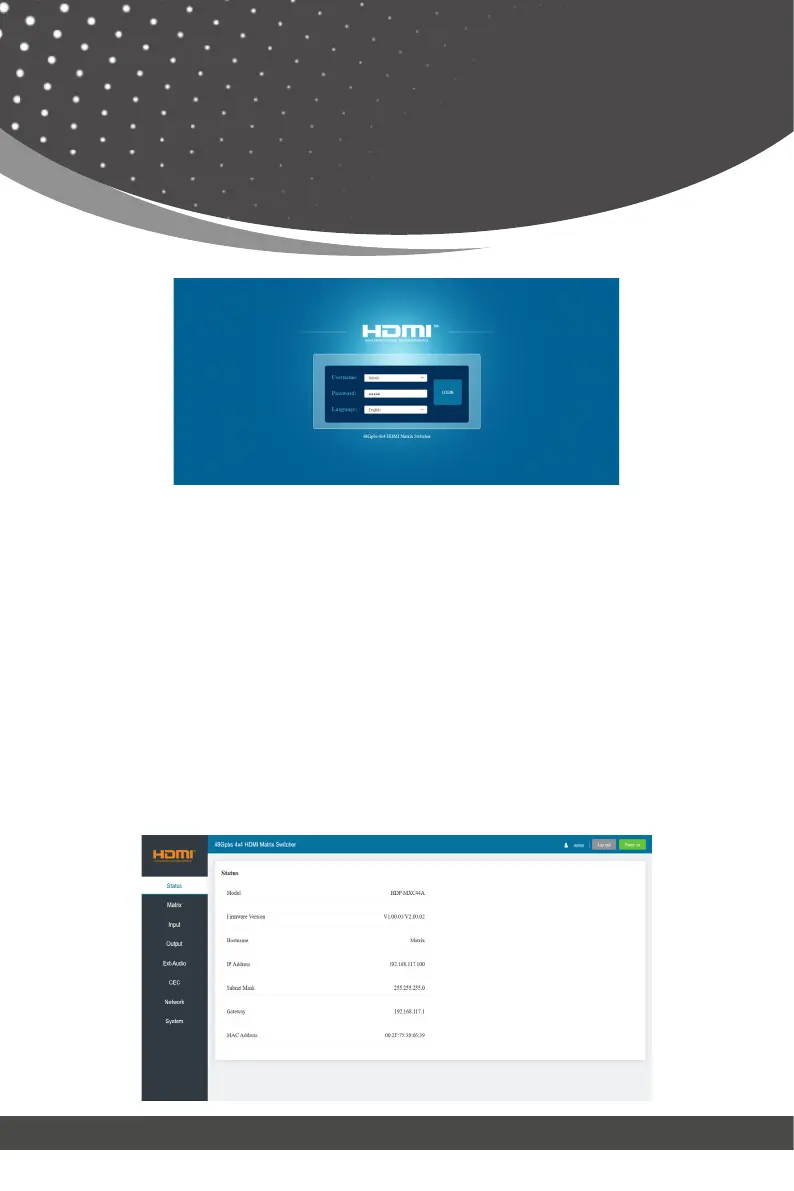
Select the Language from the drop-down list to choose English or Simple Chi-
nese. Select the Username from the drop-down list and enter the password.
The default passwords are:
Username User Admin
Password user admin
After entering the password, click the “LOGIN” button and the following
Status page will appear.
The Status page provides basic information about the product model, in-
stalled firmware version and the network settings of the device.
■ Status Page
Web GUI User Guide



 To Next Page