12
Getting Started
Note:
When the Baby and Parent Units are both turned on and within range, the Parent
Unit should show a color image from the Baby Unit camera, but if the room is
dark, the image will be in black and white, with an icon showing the Baby Unit
is in Night Vision mode.
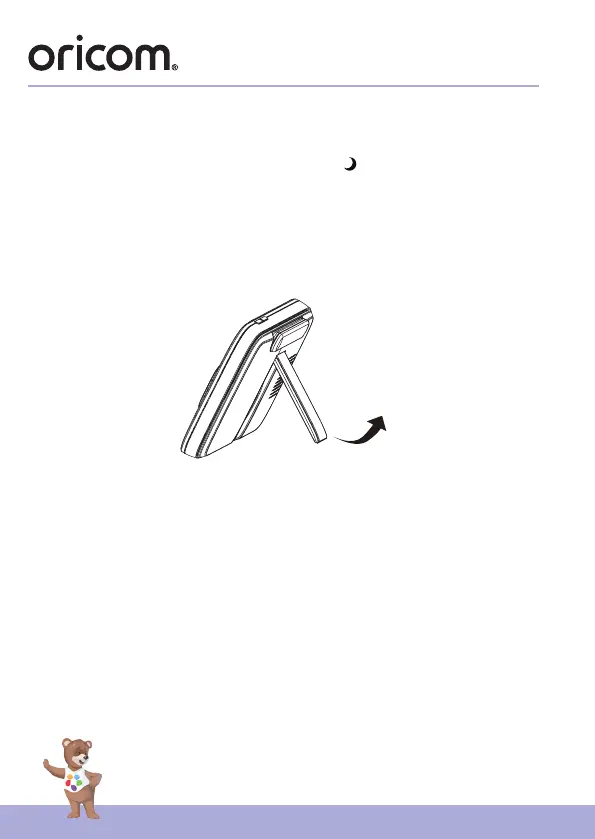
2.3 Desktop Stand of the Parent Unit
• The parent unit comes with a desktop stand attached to the back of the
parent unit.
• To place the parent unit on a desk, simply pull out the stand, as shown.
Note:
Place the parent unit on a at, even surface.


 To Next Page