9
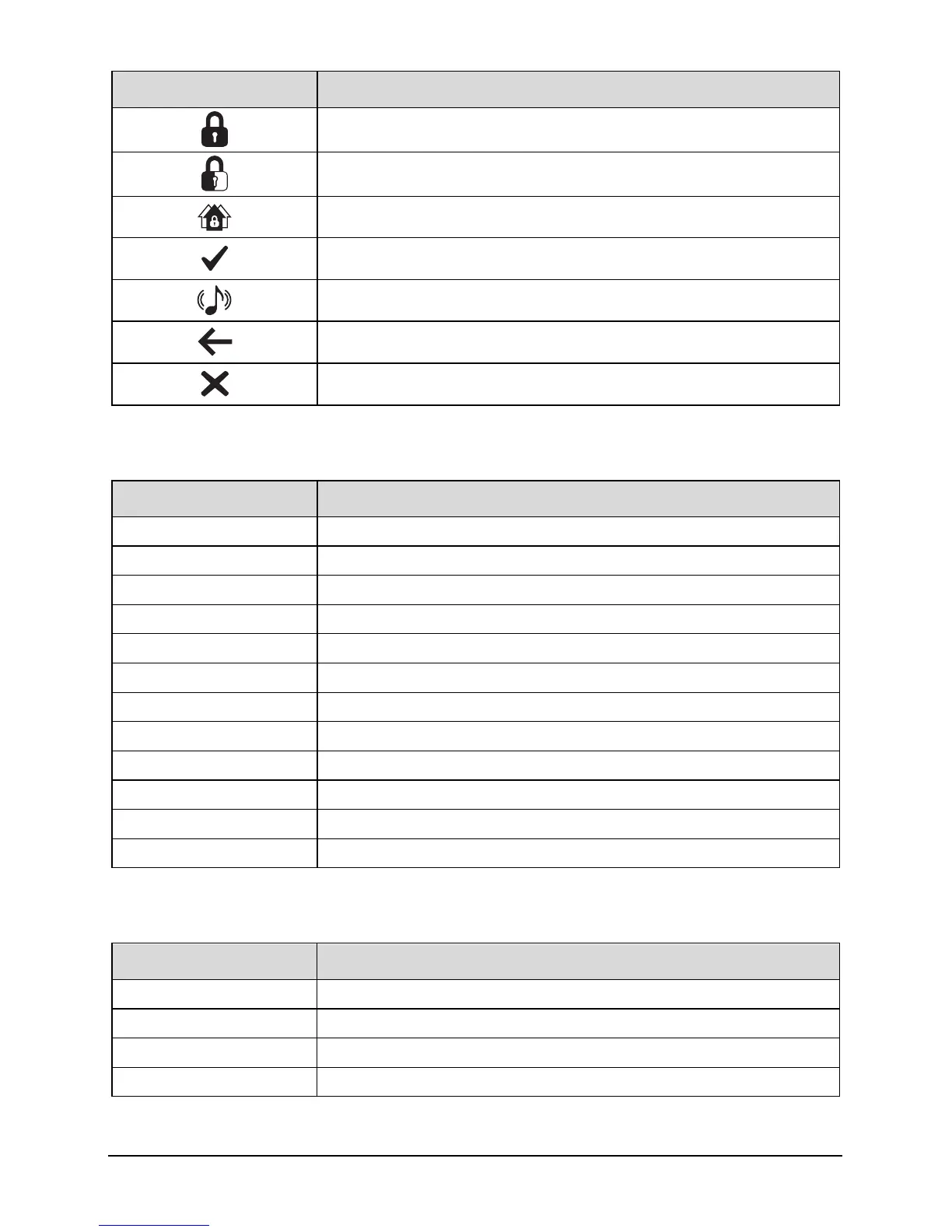
Touch Keypad buttons Function
Arm system
Part arm system
Area arm system
Selection button
Chime tone selection
Escape button
Cancel button
Status Icons
The system status area on the display is used to show the following information:
Status Icon Indicates
#$%K
Battery is charging/ is charged
L
Mains power is connected
&
Mains power is disconnected
p
External strobe is flashing
M
External bell is sounding
N
Chime is enabled
Q
WiFi module connected
T
GSM module connected
H
Ethernet module connected
Z
Phone line connected
3
User programmed timer running
[
User programmed alarm running
Status LED
The keypad has a single multi-colour LED and is used to Indicate the following:
Colour System Status
Blue Normal operation, all zones are healthy
Green User menu selected and system is ready for arming
Yellow One or more zones are active, system may not arm
Red Alarm active


 To Next Page