EasyManua.ls Logo

Orisec CP-50 - User Manual

Default Icon
56 pages
Print Icon
To Next Page IconTo Next Page
Loading...
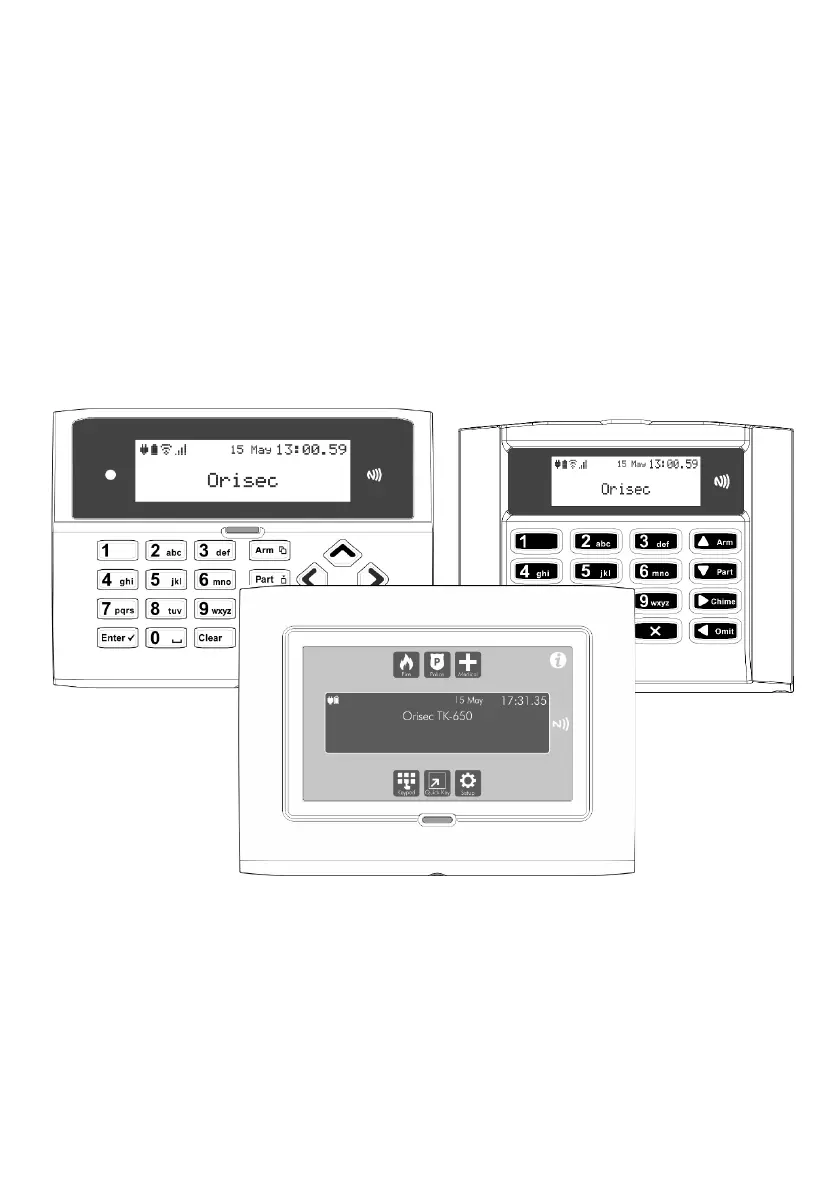
Master User Guide
CK-10, CT-10, CP-10, CK-20, CT-20, CP-20,
CP-30, CP-50, CK-60, CT-60, CP-60, CP-100 & CP-200
Designed and Manufactured
in the United Kingdom

Other manuals for Orisec CP-50

Questions and Answers

Summary

About your Security System

Keypads

Details the layout and functionality of the RK-400-LCD & RK-450-LCD keypads.

NFC Tags

Explains the assignment and use of NFC tags for system access.

Status Indicators

Describes system status icons and the multi-colour status LED on keypads.

Emergency Keys

Details the panic, fire, and medical alarm functions available on the keypad.

Operating your Security System

Full Arming Your Security System

Step-by-step guide to fully arming the security system.

Part Arming Your Security System

Instructions for part arming the security system with different modes.

Disarming Your Security System

Procedure for disarming the security system upon entry.

Resetting After an Alarm

Procedures for resetting the system after an alarm condition.

Omitting Zones

How to temporarily prevent zones from causing alarms.

System Tests

Introduction to system tests and diagnostics.

Add;Delete Users

Guide to programming system users and their access levels.

Additional Features

System Features Overview

Lists and describes additional features like Control Outputs, X10, and Alarm Clock.

Troubleshooting

Common System Messages and Solutions

Provides guidance on interpreting system messages and resolving issues.

Touch-Tone Remote Control

Remote Access

Instructions on how to gain remote access to the system via phone.

Remote Arming and Disarming

Guides on remotely arming and disarming the system via phone.

Speech Message Management

How to record and playback voice messages remotely.

Orisec CP-50 Specifications

General IconGeneral
BrandOrisec
ModelCP-50
CategoryIntercom System
LanguageEnglish

Related product manuals