EasyManua.ls Logo

Orisec CP-20 - User Manual

Default Icon
56 pages
Print Icon
To Next Page IconTo Next Page
Loading...
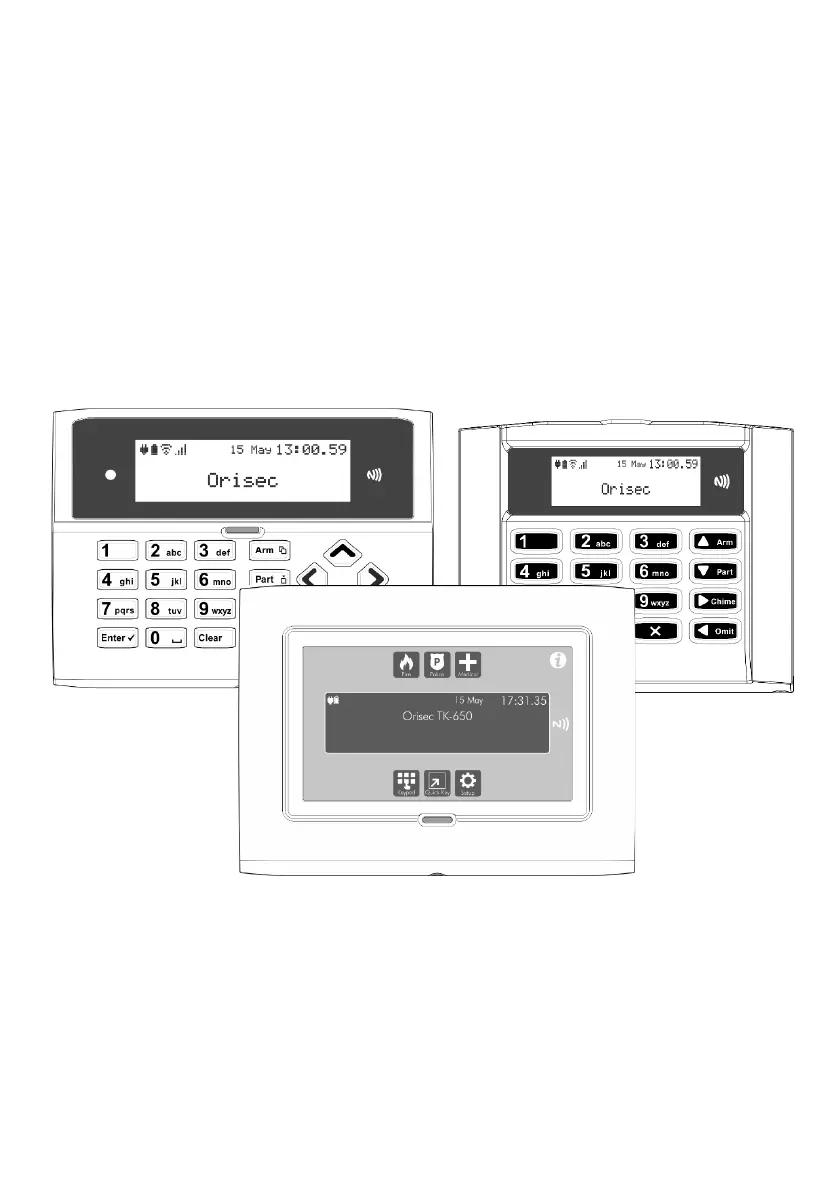
Master User Guide
CK-10, CT-10, CP-10, CK-20, CT-20, CP-20,
CP-30, CP-50, CK-60, CT-60, CP-60, CP-100 & CP-200
Designed and Manufactured
in the United Kingdom

Other manuals for Orisec CP-20

Questions and Answers

Summary

Operating your Security System

Full Arming Your Security System

Explains how to set the system to full arm mode for when the premises are unoccupied.

Part Arming your Security System

Details how to use part arming modes to protect predefined detection zones.

Disarming your security system

Provides steps to disarm the system by entering the protected area via the designated entry route.

Area full arming

Guides users to arm specific area sets within the system for enhanced security.

Area part arming

Explains how to part arm selected areas, allowing flexible arming configurations.

Area disarming

Describes how to disarm one or more areas before entering them via the designated entry route.

Resetting after an alarm

Outlines the procedure to reset the system after an alarm condition has occurred.

Resetting after a Fault Condition

Explains how to reset the system after a fault condition has been detected and rectified.

System Tests

Additional Features

Troubleshooting

Touch-Tone Remote Control

Orisec CP-20 Specifications

General IconGeneral
BrandOrisec
ModelCP-20
CategoryIntercom System
LanguageEnglish

Related product manuals