14
The OSIM uLove 3 features 2 different controls to select massage
programs or operate the chair.
• uLove 3 Control Panel for 5 featured auto programs and basic controls. (see page 7 & 8).
• OSIM Well-Being App allow user to have access to all available controls / programs and
downloads.
Massage programs and selections
OSIM Well-Being App download
Download the OSIM Well-Being App to enjoy additional product features exclusively through
the App.
Method 1 :
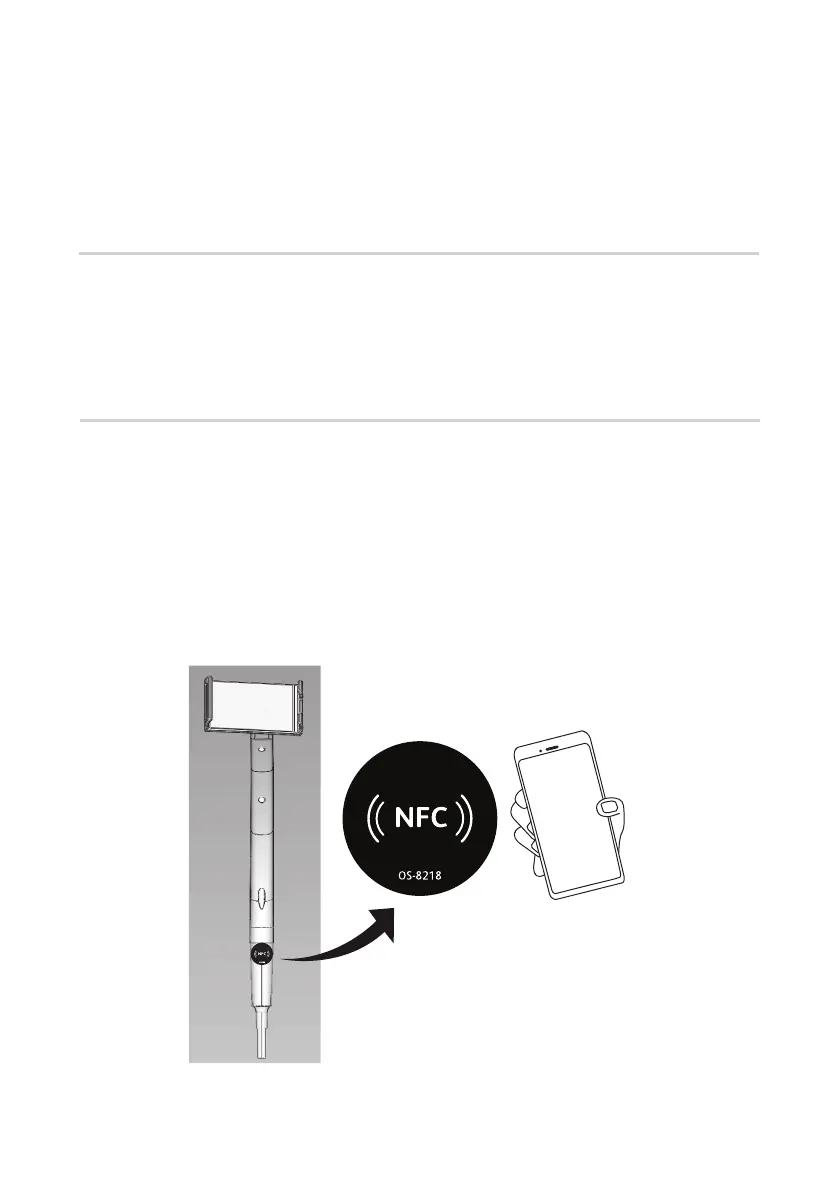
a: You can directly open OSIM Well-Being App via NFC tag.
Tap your smart device against the NFC tag on the product and it will open up the
OSIM Well-Being App.



 To Next Page