18
• These sounds originate from the internal mechanism
within the uLove 3 during operation.
• This may occur during normal usage and is not due to
malfunction.
Problem
Possible causes/action
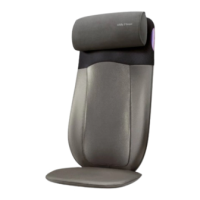
• Frictional sound of rollers
against backrest.
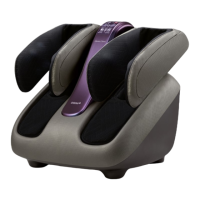
• Frictional sound of rollers
within the foot massage unit.
• Motor sound during operation.
• Loud sound during tapping and
kneading program.
• The auto timer for massage duration has lapsed.
• The uLove 3 is equipped with a thermal resetting
protection device. This is an added safety feature to
protect your massage chair from overheating.
• The Power/Stop button [
] or Reset button
[ ] was pressed accidentally.
• If the uLove 3 stops and fails to restart as a result of
overheating, turn off the main switch for at least 30
minutes. Failure to do so may result in the uLove 3
resuming operation unexpectedly when the device cools
down.
• Operation stopped and the
massage rollers move to its
default position.
• Check the power plug and ensure that it is securely
connected to the electrical outlet.
• Check the power cord connection at the back of the
massage chair.
• Ensure that the main switch is turned ‘ON’.
• If the same problem persists, please turn off the main
switch, disconnect the power plug from the electrical
outlet and contact OSIM Service Center.
• Control panel does not function
correctly.
If you encounter problems operating the uLove 3, please check the following points for rectification.
If problems persist, please switch off the uLove 3, disconnect the power plug from the electrical outlet
and contact the OSIM Service Center* for servicing.
Do not disassemble or attempt to repair the uLove 3 yourself. Doing so will void the warranty
and OSIM will not be responsible for any subsequent consequences.
Troubleshooting
• Stop use immediately and contact OSIM Service Center
for assistance.
• Power cord and plug are
abnormally hot.
• The Safety Stop button [ ] was pressed accidentally.
• Reset it by turning off and on the main switch located at
the back of the chair.
• If the same problem persists, please turn off the main
switch, disconnect the power plug from the electrical
outlet and contact OSIM Service Center.
• Massage stops midway.



 To Next Page