8
Operation
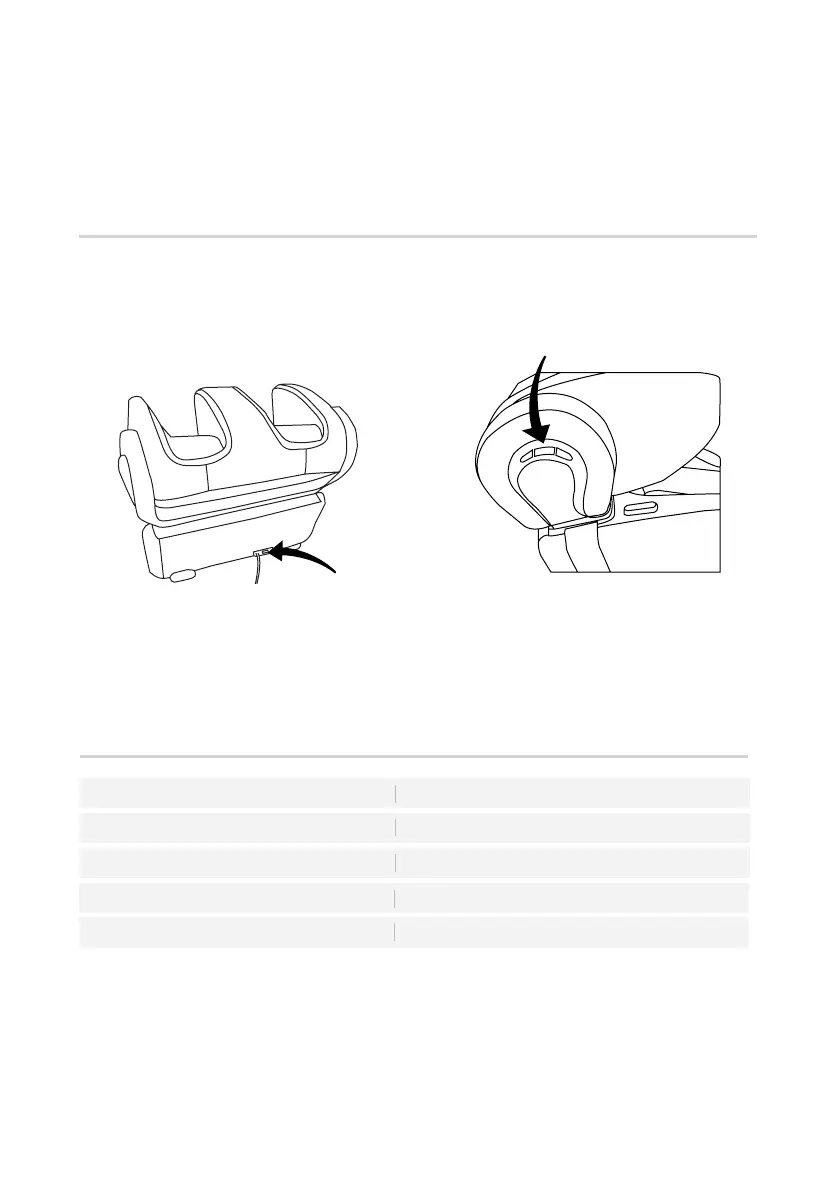
To switch on the power
• Connect the power plug to the electrical
outlet.
• Turn on the main switch located at the
lower back of the uSqueez 3.
Main switch
• The Power LED indicator on the control
panel will be illuminated.
Power LED indicator
Explaining the Power LED light indicator
Power
Red Light
Bluetooth Pairing
Auto Program Japanese Shiatsu
Auto Program Thai Stretch
Auto Program Chinese Tui-Na
Blue Light
White Light
Yellow Light
Green light
Control Panel



 To Next Page