9
To start the auto massage
program on control panel
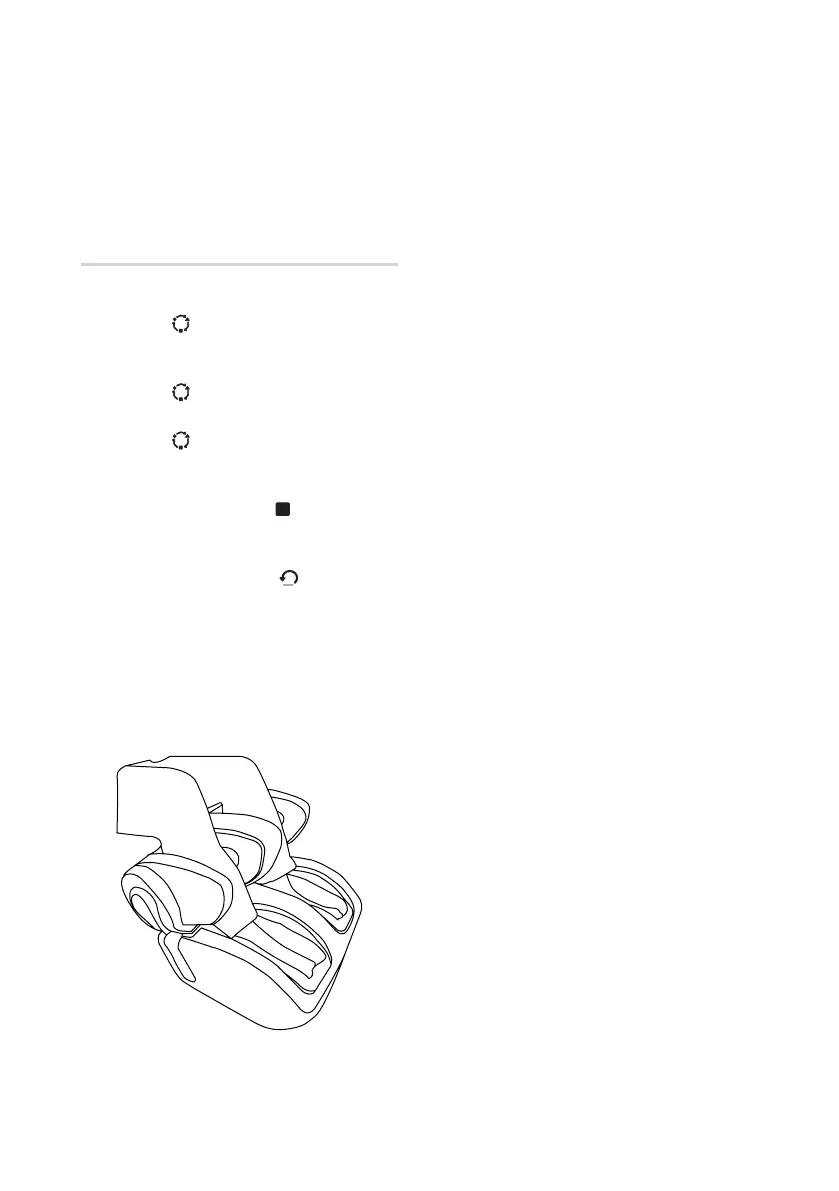
• Place your legs into the uSqueez 3.
• Press the [ ] button once to start
‘Japanese Shiatsu’ program (at Wide
calf setting).
• Press the [ ] button again to start ‘Thai
Stretch’ program (at Wide calf setting).
• Press the [ ] button again to start
‘Chinese Tui-Na’ program (at Wide calf
setting).
• Press the ‘Stop’ button [ ] to activate
emergency stop for the auto massage
programs at anytime during operation.
• Press the ‘Reset’ button [ ] to normally
stop the auto massage programs at
anytime during operation and kneading
plate will go home position.
• Please download OSIM Relax & Relieve
App to explore more functionality on
uSqueez 3.



 To Next Page