40
OTICON ACTO FITTING GUIDE
41
Fitting Corda
2
with Moulds in Genie
1. Select Corda
2
instead of ear Mould.
2. Go to the fitting step and verify the vent size of the Moulds.
Select “Open Dome” for an Open Mould with 4 mm vent or
“Plus Dome” for a 3 mm vent.
Note: Fine tuning might be necessary when working
with Moulds.
Connecting Oticon Acto to Genie
Oticon Acto is programmed using the Genie fitting
software compatible with NOAH 3.0 and Oticon
programming cable #3 (right and left)
The table shows how to connect
the different styles when fitting with cables
Instrument Style Programming Interface
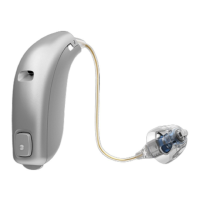
miniRITE Flex Connect
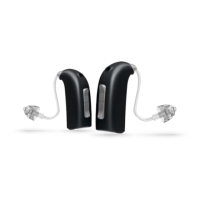
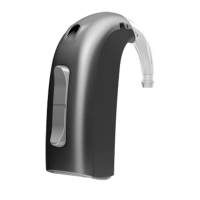
BTE/RITE Programming Shoe
ITC/ITE Programming Adapter
CIC/MIC Flex Connect
6


 To Next Page