42
OTICON ACTO FITTING GUIDE
43
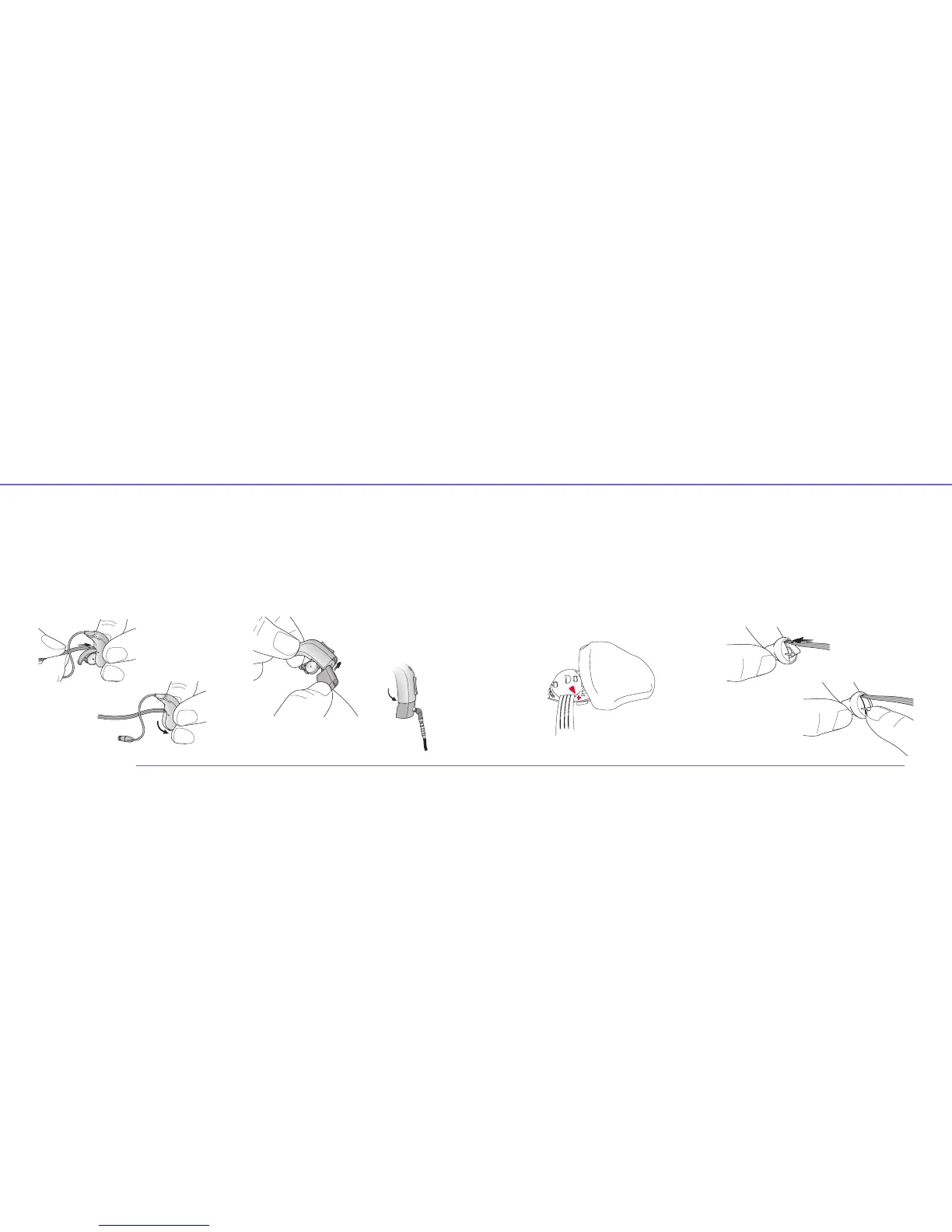
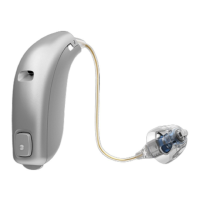
Connecting Flex Connect to miniRITE
1. Open the battery door on the instrument and slide
the Flex Connect into the instrument as shown
(pointing the black dot on the cable upwards).
Insert a fresh battery.
2. Close the battery door and attach the HI-PRO or
NOAHlink cable.
Connecting the Programming Shoe
to BTE and RITE
1. Open the battery door on the instrument and slide
the programming shoe into the guide as shown.
Insert a fresh battery.
2. Close the battery door and attach the HI-PRO or
NOAH link cable.
1
2
1
2
Custom Products
Connecting the Programming Adapter
to ITE and ITC
1. Open the battery door and slide the programming Adapter
into the battery door as shown. Make sure the red arrow
marking on the Adapter is next to the + marking on the
guide and that the flip is inserted correctly.
2. Close the battery door and attach the HI-PRO or
NOAHlink cable.
Connecting CIC/MIC
1. Open the battery door and insert the Flex Connect
into the open space next to the battery door as shown
(pointing the black dot on the cable upwards).
Insert a fresh battery.
2. Close the battery door and attach the HI-PRO or
NOAHlink cable.
1
2


 To Next Page