62
OTICON ACTO FITTING GUIDE
63
End Fitting
The End Fitting step covers all tools that are related to user
operations of the instrument as well as Streamer.
The Save and Exit screen contains information about the
Oticon Acto instruments. It also gives you the possibility to link
one or two Streamers to the instruments.
To link a Streamer to the instruments, click “Read serial
number” and follow the instructions provided on the screen.
It is possible to link two Streamers to the same instrument.
If only one Streamer is in use, leave the second serial number
field empty.
If your instruments are connected via HI-PRO you cannot use
the automatic read-out. Instead you need to type in the serial
number of your Streamer.
You find the number in the silver area on the back of Streamer.
Click Save, Program and Exit before disconnecting the hearing
instruments.
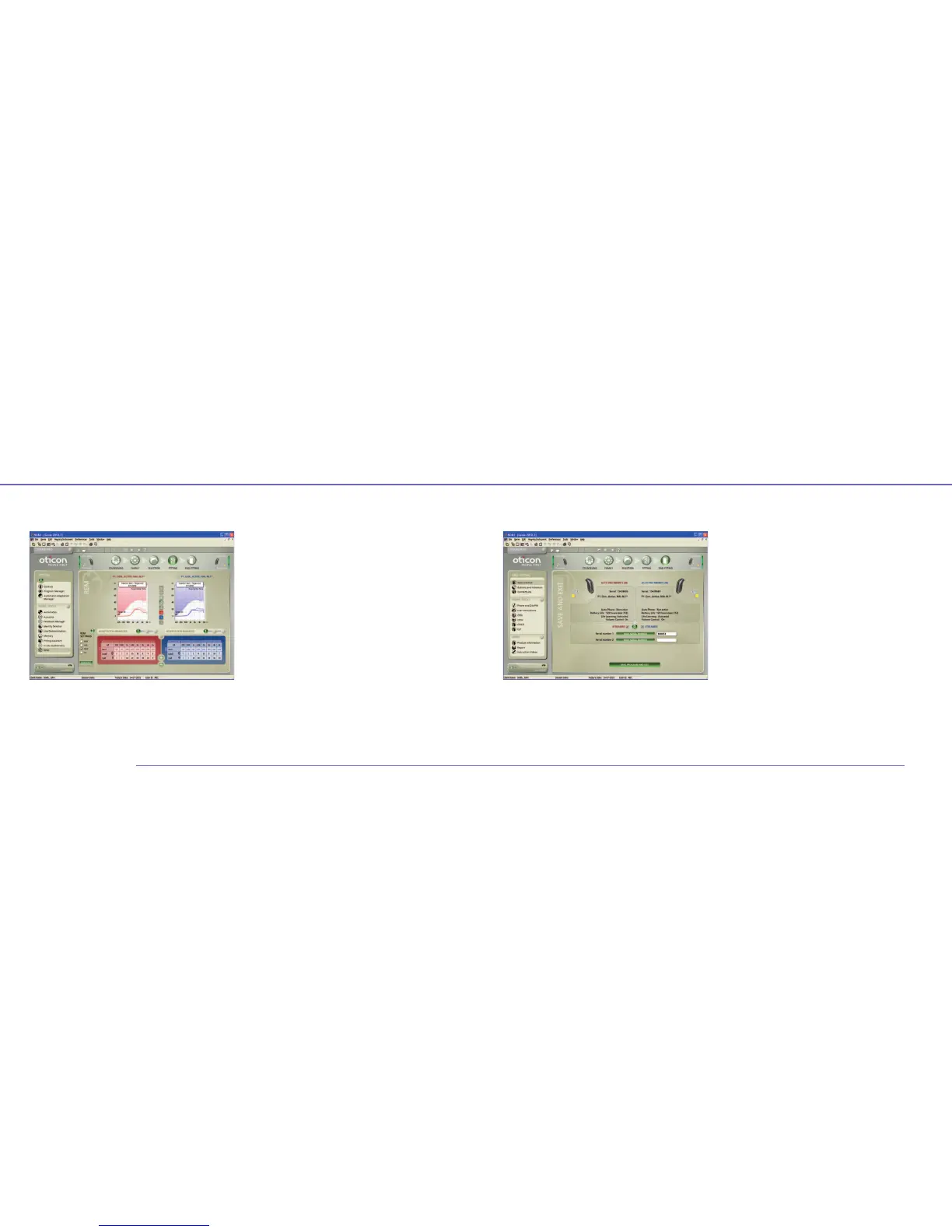
Real Ear Measurements
The Genie REM tool lets you verify your fitting by comparing
your Real Ear Measurement equipment with Genie.
Use the tool to activate or deactivate advanced features to
match the purpose of the measurement.
In order to compare your measurement to target and simulated
curves in Genie, make sure that the Genie curves are based on
the same signal type and level as measured.
Note: For custom instruments you cannot verify the Direction-
ality when the programming cable is in the instrument.
Also, the response in REM can be affected by interference
of the programming cable.


 To Next Page