32
OTICON INTIGA FITTING GUIDE 33
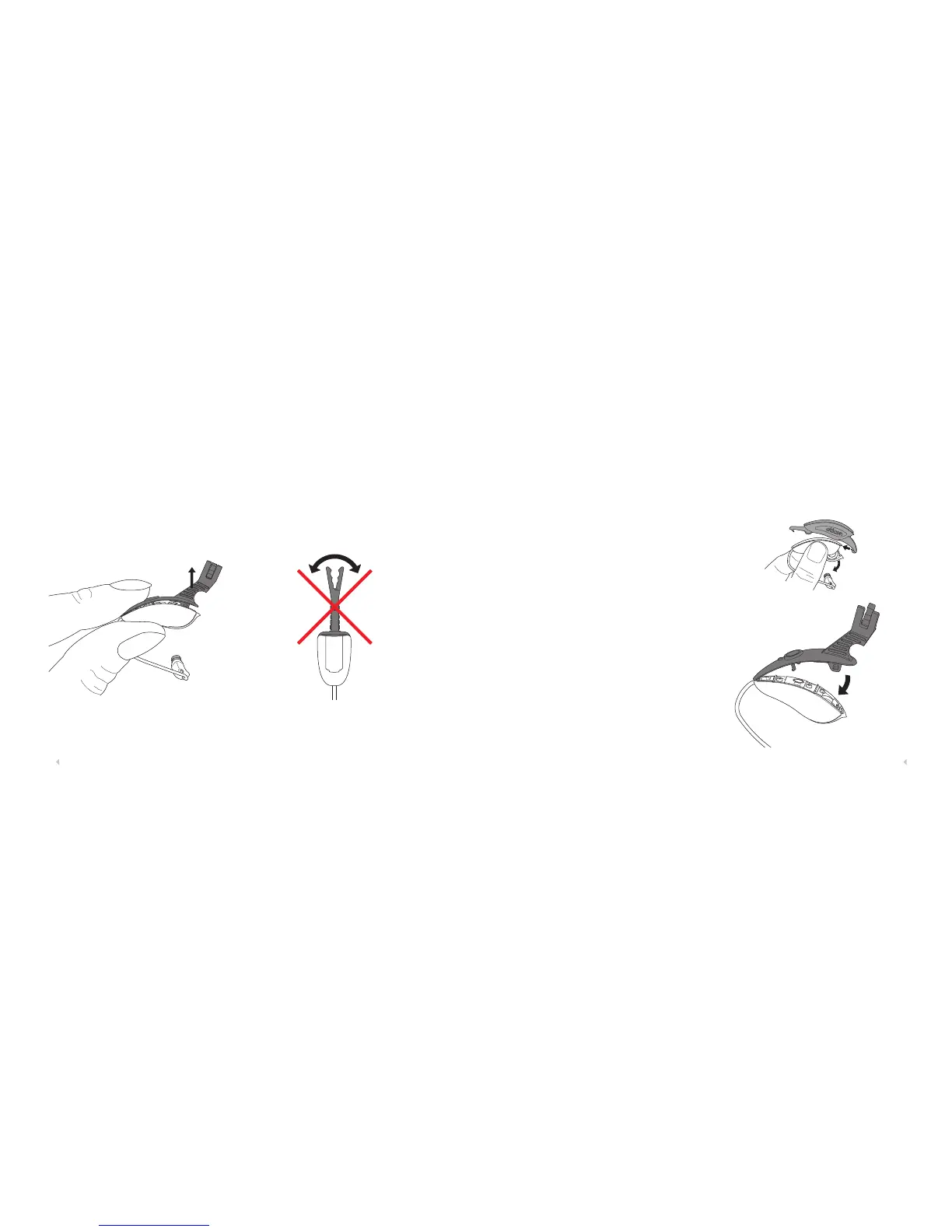
4. After programming, remove the cable and then the
Programming Top Shell by holding the unit as shown
and lifting the tail up.
Do not remove the programming shell by forcing it side
ways!
1. Remove the top shell with the Service Tool.
2. Attach the Programming Top Shell.
3. Program Intiga as needed.
4. Remove the Programming Top Shell.
5. Attach the regular top shell.
When the top shell is placed on the base shell, there will be
a small gap between the shells creating the sound inlet to
the microphones.
Follow up programming Oticon Intiga
1
2












 To Next Page