36
OTICON INTIGA FITTING GUIDE 37
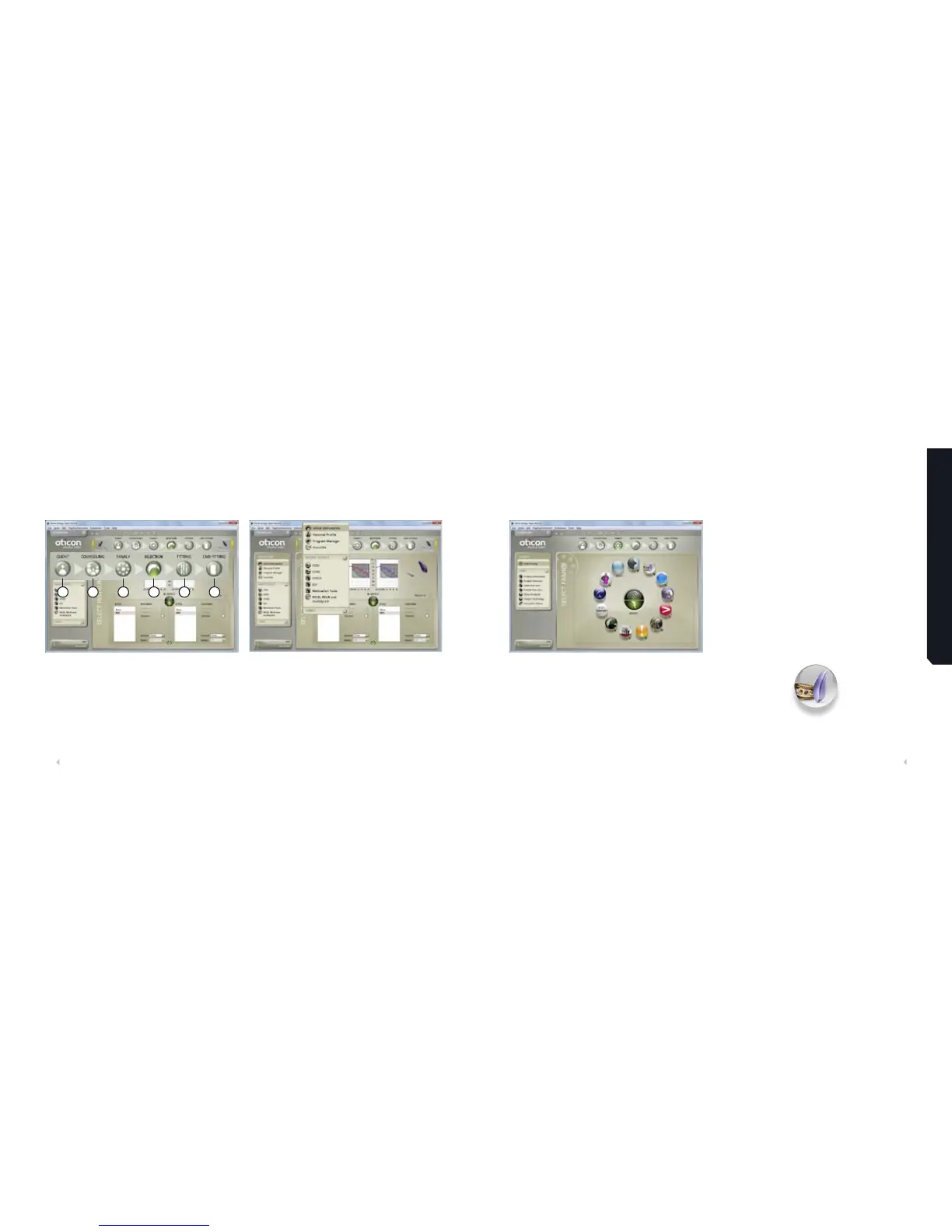
Structure in Genie
The Organizer – Horizontal Navigation
Main programming steps
1. Client: Appears only when running Genie outside NOAH.
2. Counselling: Appears only if Gateway has been installed.
3. Family: Selection of all hearing instrument families.
4. Selection: Select instrument styles and features
(including Streamer).
5. Fitting: Verifying and fine tuning of settings.
6. End Fitting: Verify and set user operated buttons
and link Streamer(s).
Task Pane – Vertical Navigation
In each organizer step there is a Task Pane that gives
access to tools and links related to where you are in the
fitting process.
Programming Oticon Intiga
1 2 3 4 5 6
Family Step
Click ‘Detect’ to detect connected instruments. Genie will
display what has been detected. Click Continue to go to the
selection screen.
Note: You can simulate a fitting by selecting ‘Oticon Intiga’
from the Family circle. Select Oticon Intiga 10, Oticon Intiga 8
or Oticon Intiga 6 from the second level screen that opens.
5












 To Next Page