44
OTICON INTIGA FITTING GUIDE 45
Other Tools
Identity Selector
Acoustics:
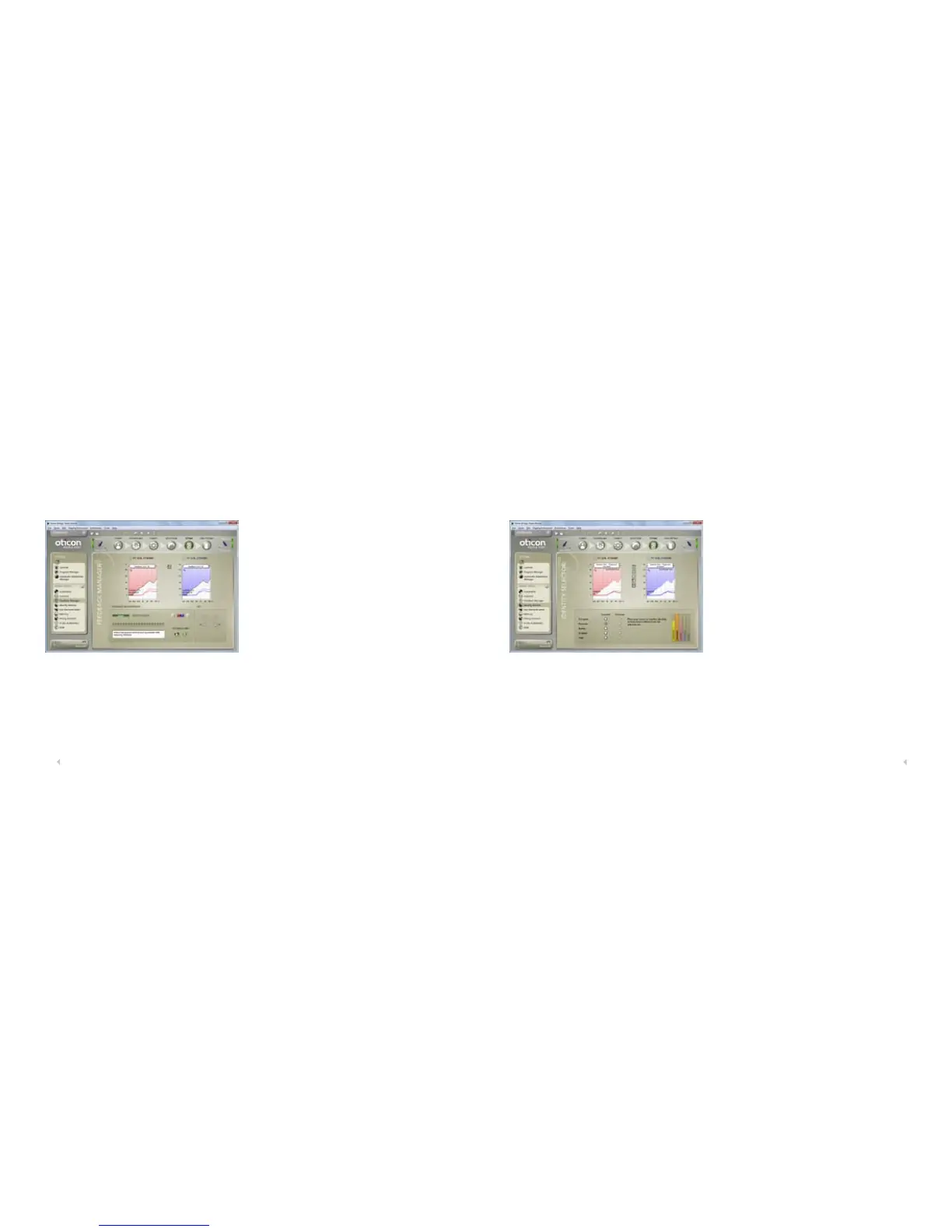
Use the Acoustics tool to change vent size or dome type.
Feedback Manager:
The greater the hearing loss, the higher the risk of
feedback. Therefore, Genie sets the Dynamic Feedback
Manager at a suitable level to prevent feedback when you
enter the Fitting step.
Measure feedback and adjust the feedback limits in the
Feedback Manager. Compare previous and current feed-
back limits. Run the Feedback Manager from P1. The
feedback limits will be applied to all programs in the
hearing instrument. When you go back to Controls in
Fitting the current feedback limits will be available at the
curves displaying simulated insertion gain and 2cc gain,
when clicking on the ‘Show feedback limit’ button between
the right and the left graphs (marked with a key note).
Note: It is not possible to adjust the controls above the new
feedback limit. Gain limits applied to the control setting
depend on whether the DFC
2
system is active or not. This
means that gain can be increased more when the DFC
2
is
enabled.
In the Identity Selector you can change between the
different identities. If any fine tuning has been done in the
current Genie session, it is also possible to change be-
tween fine tuned and prescribed identities.












 To Next Page