30
About Getting started Daily use Options Tinnitus Warnings More info
Change programs
Your hearing aid can have up to 4 dierent programs.
These are programmed by your hearing care professional.
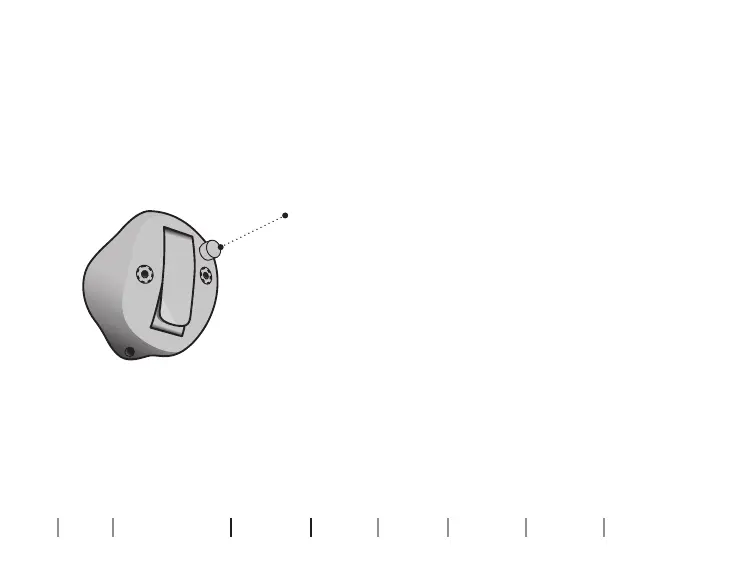
Press the button to change program. Use a short
press if the push-button is used for program
change only and a long press if it is also used for
volume control.
Note that if you have two synchronized hearing
aids (both hearing aids respond when either
push-button is operated), the RIGHT hearing aid
switches forward from e.g., program 1 to 2 and
the LEFT hearing aid switches backwards from
e.g., program 4 to 3.
If your hearing aids work independently, you
must press the buttons on each hearing aid.





 To Next Page