26
About Getting started Daily use Warnings More info
Troubleshooting
More info
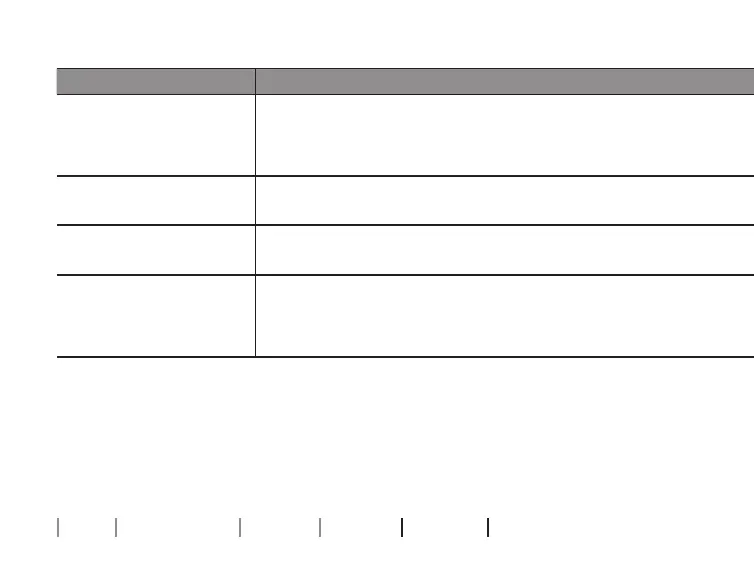
Symptom Possible causes Solutions
The hearing aids do
not turn ON after being
removed from the
charger
The charger did not have enough time to turn the hearing aids ON
before they were removed from the charger
Place the hearing aids in the charger ports and try again, or use the push button to turn the
hearing aids ON manually
Two charger LEDs show
ORANGE blinks
The hearing aid or charger’s temperature is too cold or too warm
Move the charger and hearing aid to a location with a temperature between +5°C and +38°C
(+41°F and +100°F)
Three charger LEDs show
ORANGE blinks
System error
Contact your hearing care professional
The charger LEDs remain
turned OFF when the
charger is connected to
power
The charger is not charging
Verify that the power plug is correctly connected
Ensure that the power source delivers sufficient output for your charger






 To Next Page