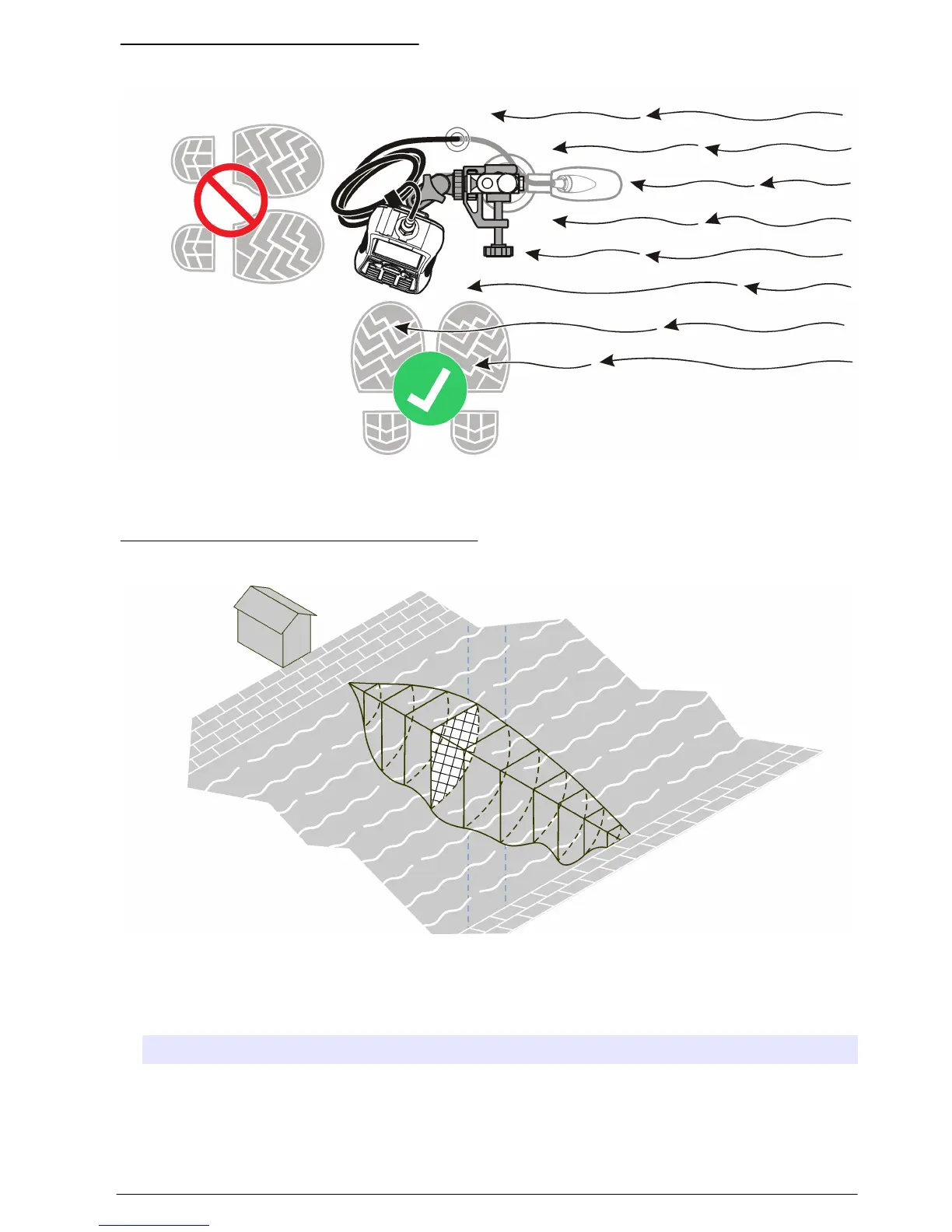
Figure 10 Position of user in the flow
Measure velocities in a cross-section
A typical stream cross-section is shown in Figure 11.
Figure 11 Example of a typical cross section
To measure velocities in a cross-section:
1. In the Main Menu, select Profiler.
2. A list of options will show.
Option Description
Stream Used for measurements in a stream profile.
Conduit Used for measurements in a conduit profile.
English 21



 To Next Page