· ENCODERS 1-4
They are the path to all parameter changes.
We will be referring from now on as “CW” to clockwise turns and “CCW” to counter clockwise turns of
the encoders.
In Sequencer view, the parameters each one modify apply to the selected Sequencer (1-4):
VELocity (secondary function: Tempo)
OCTave (secondary function: Swing)
GATE (secondary function: Scale)
MODulation (secondary function: Root)
Their value appears as a pop-up on the screen.
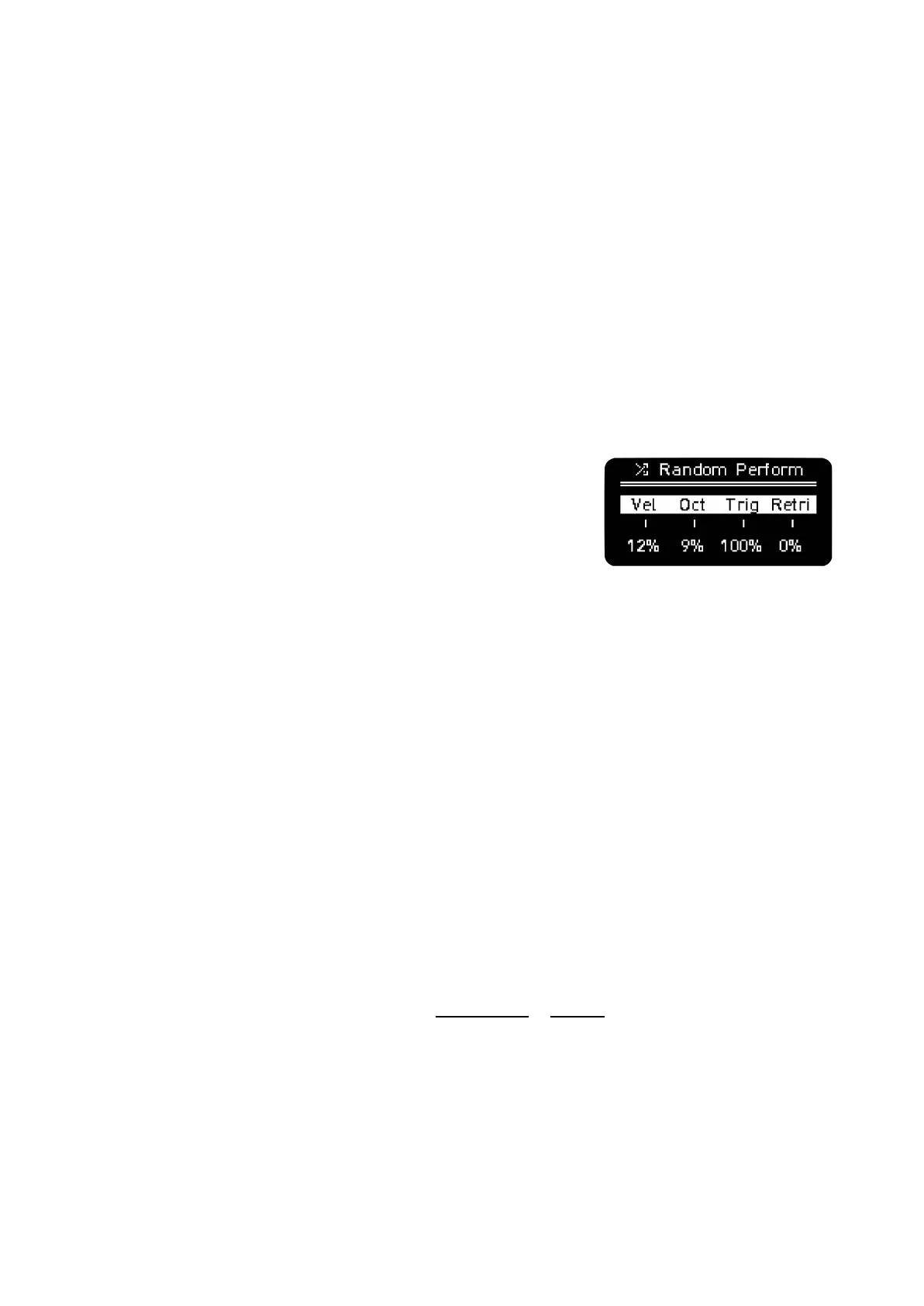
For most of the function buttons and secondary functions, the
screen will show 4 parameters, like the example on the right. The
encoders modify the corresponding parameter position on the
screen. For that, hold or click the function button, move the
encoders and press the encoder button to select value.
· Most parameters don’t require being selected by pressing
the encoder button, just release the function button or Shift after highlighting it on the screen. Some
require confirmation.
· Pressing the encoder button resets the corresponding parameter to its default value in most
of the menus.
Velocity
It changes the velocity value for all the steps of the selected Sequencer or currently selected
track in Multitrack. If there are different velocity values on steps, the screen will show the minimum and
maximum values. Turning the encoder offsets each step value.
If we press the VEL encoder button while we keep pressing a step button in the grid, the
velocity of the selected step is set to its default value.
Holding a grid button will show the Step menu, in which you can change the Velocity per step.
By holding several grid buttons and turning this knob, you can modify the velocity of them at once.
Velocity affects the amplitude of the AD trig envelope in CV Out by default.



 To Next Page