· SEQUENCERS 1-4
Each number selects the displayed sequencer on the grid and the function buttons will show its
parameters.
MUTE + 1-4 activates/deactivates the specific sequencer for playback.
It is possible to activate/deactivate several sequencers at once.
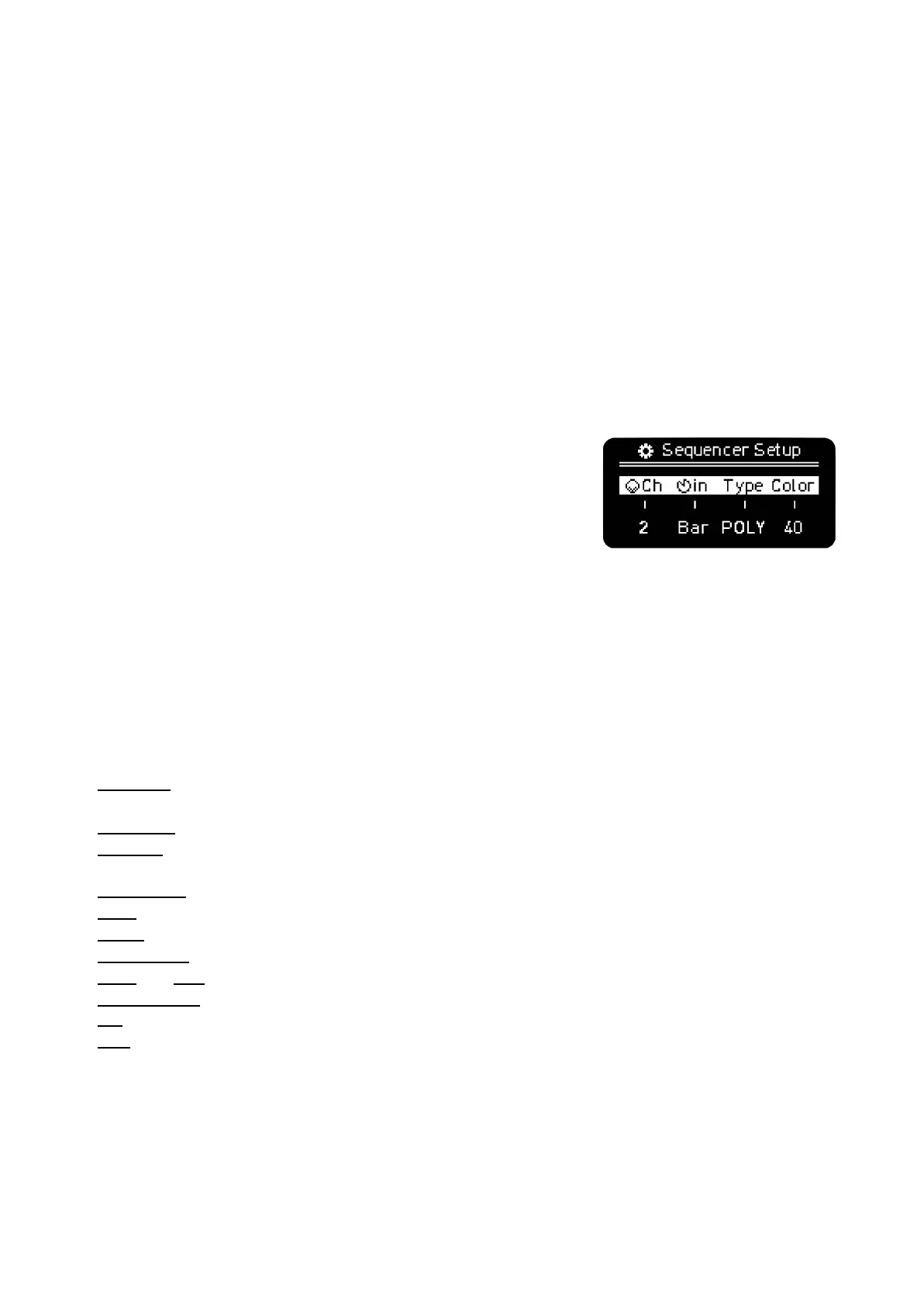
SHIFT + Sequencer button (1-4) to access the Sequencer Setup menu. From left to right you can
change:
Global MIDI channel of the Sequencer (it can be different per
track in Multitrack)
Punch-In quantization, it sets the countdown for the sequencer to
be launched (unMUTEd) when playback is active.
Sequencer Mode (Mono, Chord, Polyphonic and Multitrack)
Color for the sequencer notes on the grid, Piano Roll, Keyboard,
Patterns and Arranger Lanes
Each Sequencer (1 to 4) has their own dedicated interface and global parameters that are
configurable independently per Sequencer:
· Piano Roll view and pages
· MIDI channel configuration (up to 32 tracks on different channels, 32 channels available for the USB
output in two separated virtual ports and up to 48 MIDI channels using the OXI Split).
· Keyboard layout, designed for each mode
· Tracks, depending on mode
· 16 Pattern slot memory per Sequencer (64 slots per Project)
· Arranger lanes (4)
· Scale
· Arpeggiator (per track)
· Loop (per track)
· Swing
· Randomizer engine
· Initial and End steps (per track)
· Time Division signature (per track)
· CC configuration (up to 8)
· LFO



 To Next Page