LAYOUTS
· KEYBOARD
It shows the keyboard layout on the grid. Each Sequencer mode has
its own dedicated Keyboard layout.
Different columns of pads will be highlighted on the grid depending
on the scale selected, to act as a visual guide of filtered notes. Each
column represents a semitone, moving vertically jumps an octave up
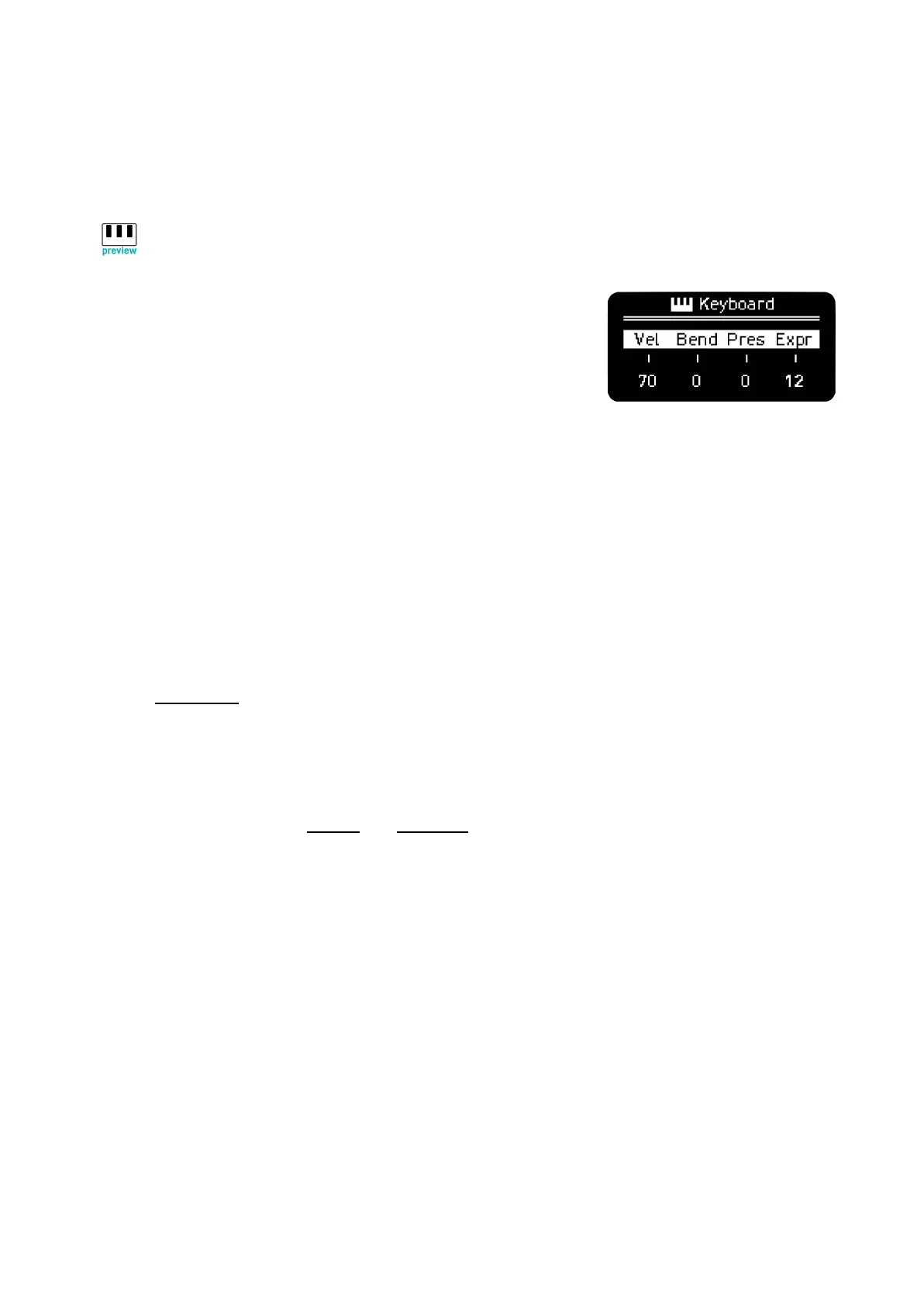
and down. The encoders in this mode modifies:
Velocity
Pitch Bend
Pressure/Aftertouch for the configured Cv outputs. Pressure knob also works as a GLIDE control
for better performability with modular gear over CV.
Mod Wheel by default or the selected active CC.
Press Rec to record notes when Play is active. You can adjust quantization and other parameters
pressing Shift + Rec.
Keyboard, including arpeggios, sends any number of notes pressed. This means the Mono keyboard
can be used to perform over polyphonic synths without issues, the limit is set by the synth or sound
engine being controlled.
Specific Keyboard layouts for Chords and Multitrack modes will be explained on their sections.



 To Next Page