ARP:
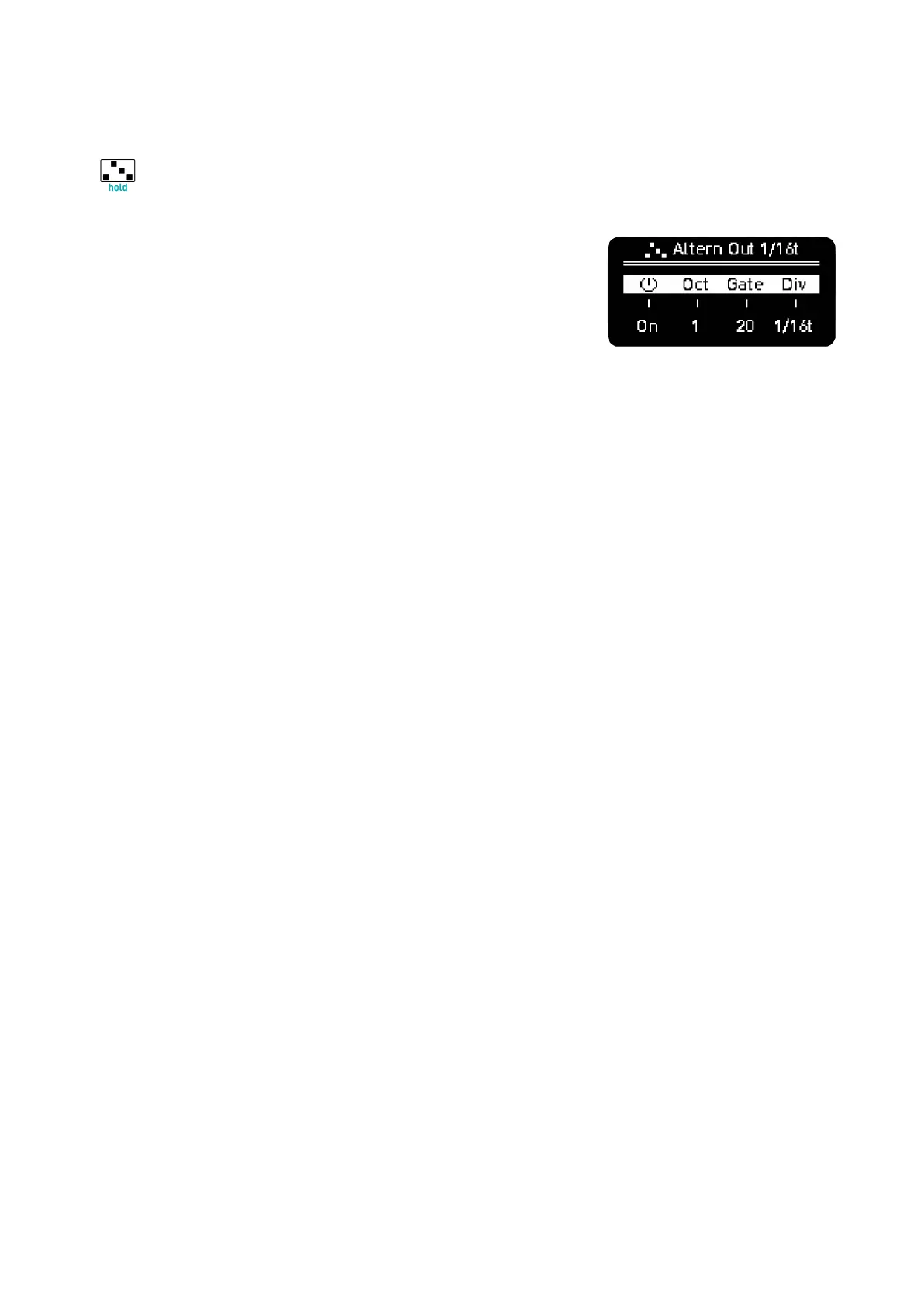
In Keyboard view, press Arp to enter the arpeggio menu. Each
Sequencer has one arpeggio that can be playing independently of
what is playing on the Sequencer.
Turn it ON with encoder 1 and continue turning CW to choose the
arpeggio algorithm. The name is displayed on top of the screen.
Encoder 2 changes octave range. Positive values add upper octaves, negative values can change
octaves up and down.
Encoder 3 changes gate length.
Encoder 4 for time division.
· Arpeggio only works when Play is on, independently if the Sequencer is
active or not.
Press Rec to record the arpeggio on the Sequencer (it does not work for arpeggiated chords in Chord
mode).
–––––––––––––––––––––
In a Polyphonic Sequencer and with overdub on,
you can record several layers of the arpeggios played.
–––––––––––––––––––––
Shift + Arp activates Hold. This way you can add and remove notes of the arpeggio without having
to hold them manually. If an arpeggio is held, exiting the Keyboard view or changing Sequencer won’t
turn it off, this way you can have 4 arpeggios held at the same time.
–––––––––––––––––––––
Use Hold with ARP off to create drones.
If an arpeggio is held, exiting the Keyboard view or changing Sequencer won’t turn it off, this way you
can have 4 arpeggios on at the same time, independent of the sequences.
–––––––––––––––––––––



 To Next Page