To activate LOOP , hold both Init and End buttons and then press any two steps of two different
columns, those will become the looping points (or the same column and different rows to loop 1
single step). For Multitrack mode do the same in two steps of the same track (row). It’ll loop until you
press Init and End again. Loop will still be on until it is manually disabled. When so, the sequence will
continue to play in sync.
–––––––––––––––––––––
With a LOOP activated, hold the number of the active Sequencer and press a pad below or above the
notes played to transpose the LOOP without affecting the steps outside of it.
–––––––––––––––––––––
In Multitrack mode, you can change Init and End steps of all the tracks at once by holding its
Sequencer number button + Init or End and the desired step.
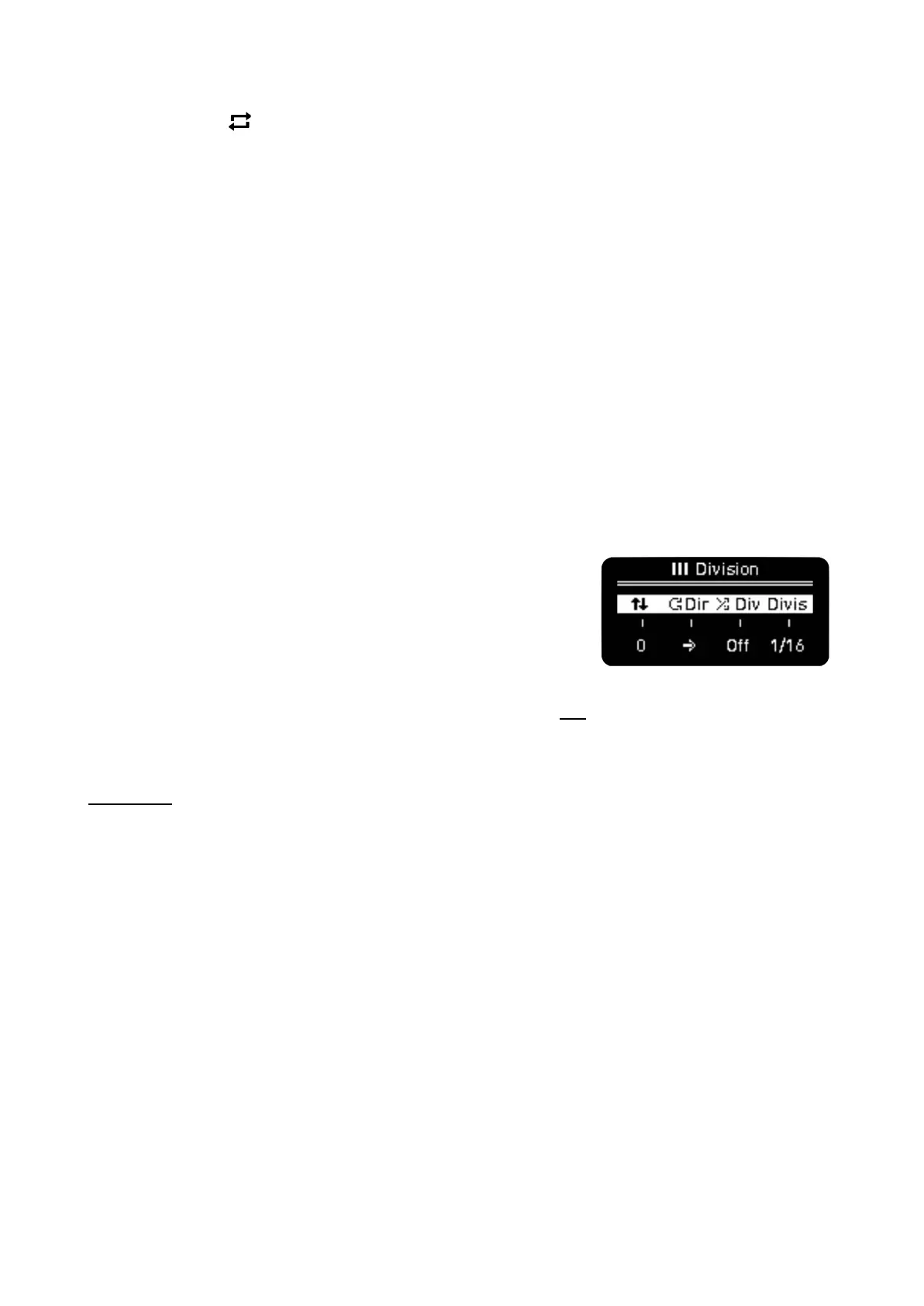
· Y DIV - EXPAND
It activates the Division menu. From left to right:
· Grid Vertical Scroll
· Playback direction
· Random Time Division
· Time Division
The Piano Roll view on the grid is set to the octave selected by Oct and the root note being the lower
row. To move the view up or down to reach higher or lower octaves and further edit steps, use the
Vertical Scroll. When you move vertically through the grid, you’ll see the rows highlighted, those
indicate the position of your root note. Vertical Scroll is deactivated in Multitrack, you can select the
active track instead.
Playback direction being forward, backward, pendulum and random. In Multitrack mode, this
parameter is independent for each track.
Random Time Division introduces division changes to give more or less unpredictable rhythms to
your sequence. If active, the Sequencer will be out of sync but it still follows the BPM as clock. In
Multitrack mode, this parameter affects ALL tracks.
Time Division. In Multitrack mode, this parameter affects the selected track only.
Shift + Division activates Expand. It works as a zoom in on the sequence: length duplicates and
time division halves. Active notes TIE to following steps to keep its duration.



 To Next Page