EasyManua.ls Logo

Ozito HDR-5000 - Operation; Chuck; On;Off Switch

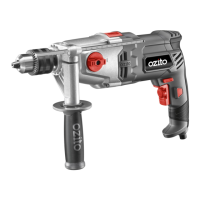
Ozito HDR-5000
8 pages
Print Icon
To Next Page IconTo Next Page
To Previous Page IconTo Previous Page
Loading...
2. CHUCK 3. ON/OFF SWITCH
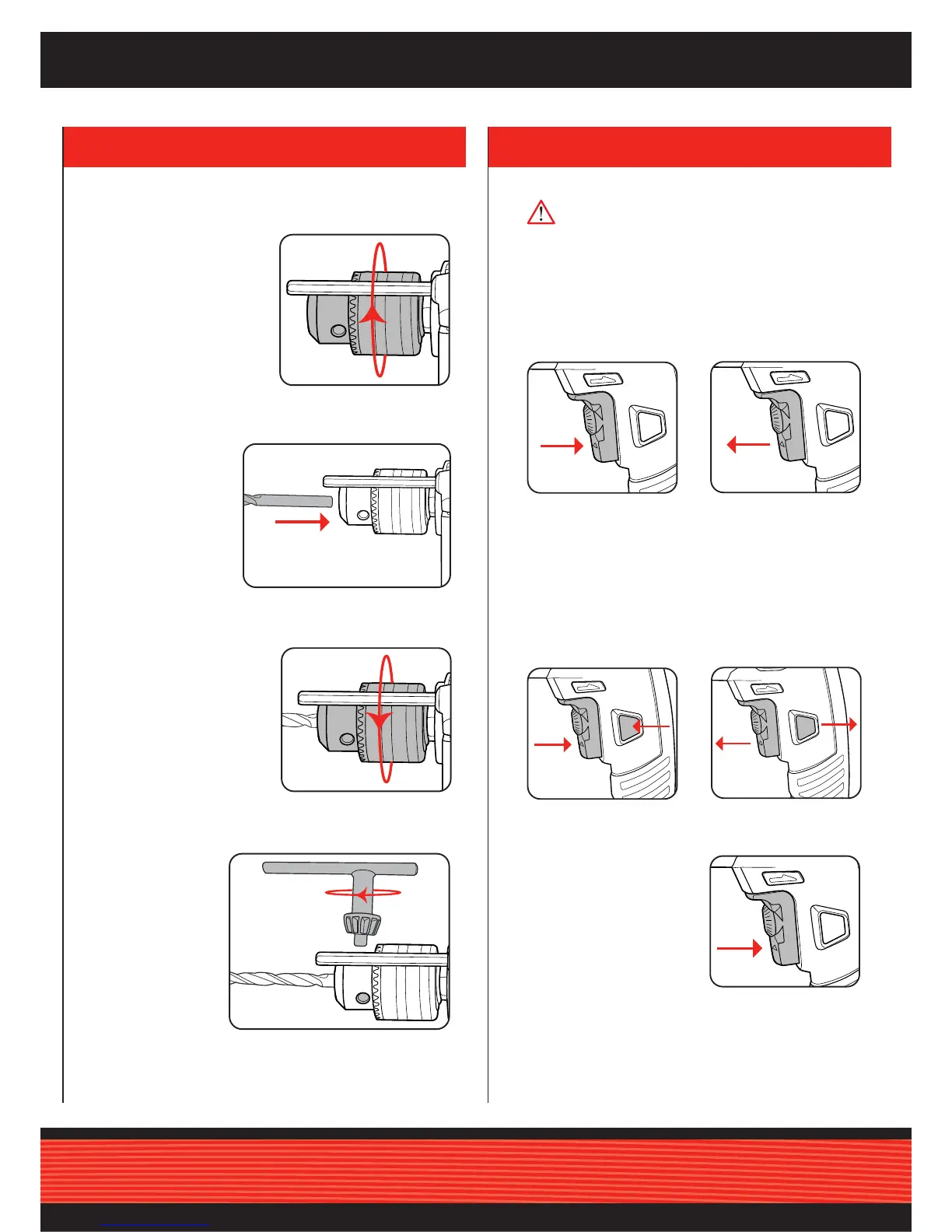
2. To start drilling squeeze
the variable speed
switch.
3. To stop drilling release
the switch.
1. Open the chuck jaws
slightly larger than the
bit you wish to insert.
4. To ensure the bit is
securely fastend,
insert the chuck
key into 1 of the
3 holes on the
chuck. Turn chuck
key clockwise.
3. Hand tighten the chuck
jaws.
2. Insert the drill bit,
making sure it is
centred in the jaws.
OPERATION
4. To lock the drill on,
squeeze the variable
speed switch (a) then
depress the lock on
button (b).
5. Release the variable
speed switch, then the
lock on button.
6. To unlock the drill,
squeeze and release
the variable speed
switch.
Variable Speed Switch
Lock On Button
Keyed Chuck
a
b
a
b
WARNING! To reduce the risk of electric shock, the use
of a residual current device (rated 30mA or less) is
recommended.
1. Plug the tool into the mains power supply.
5. Repeat this step with the two remaining chuck holes.

Related product manuals