HDR-5000
3. CONTROLS 4.
DRILLING
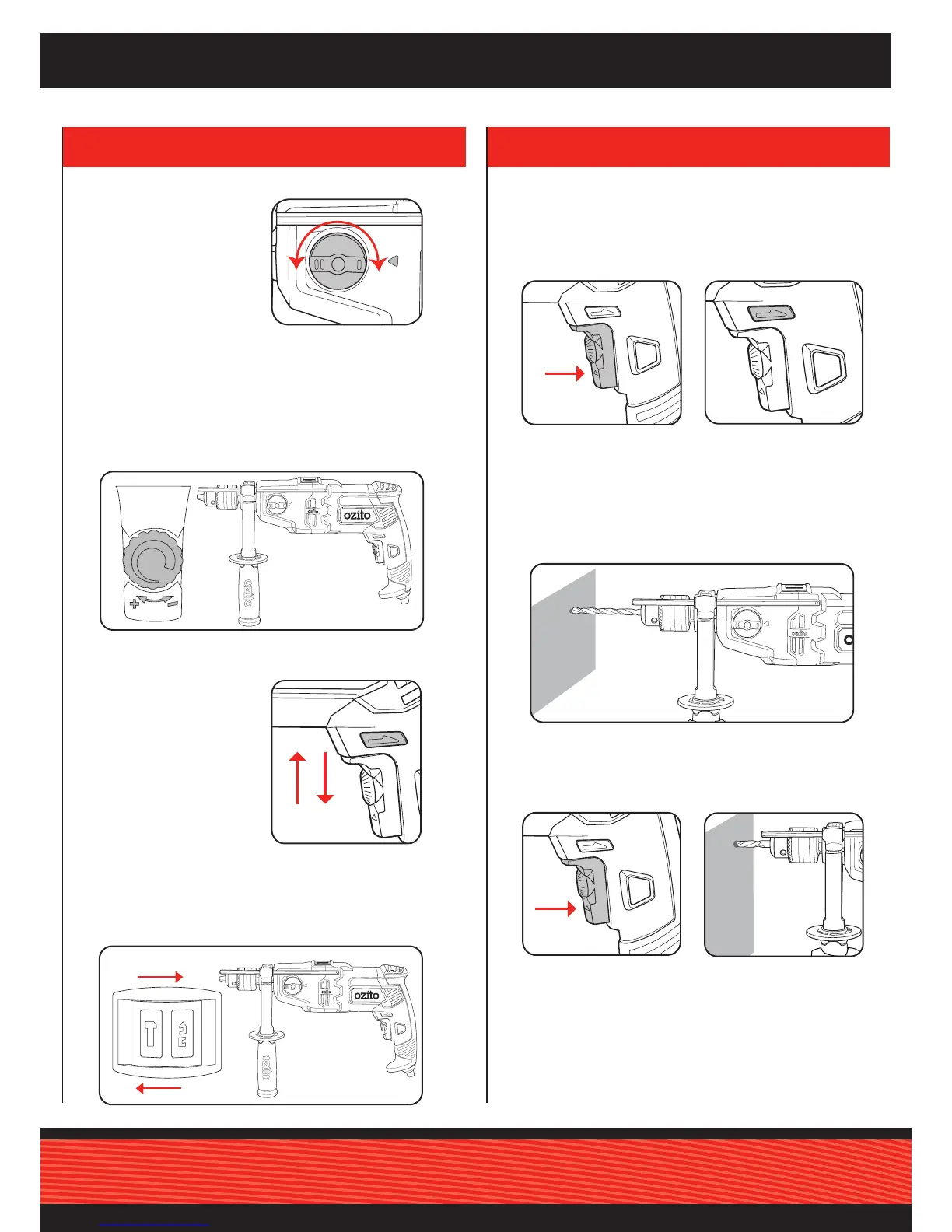
1. Depress and release the
variable speed switch to
ensure it is not locked on.
3. Secure the material to be drilled in a vice or clamp to stop it
turning whilst drilling.
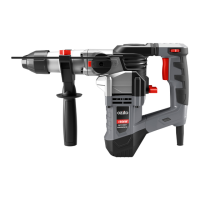
4. Plug the hammer drill into the power supply.
5. Holdthedrillrmlyandplacethebitatthepointtobedrilled.
2. Check the forward/
reverse lever for the
correct setting.
Before connecting to a power supply, perform a few simple checks.
4. To set hammer mode, slide the selector to the hammer icon.
For drilling mode, slide to drill bit icon.
3. To set the drill to forward
rotation, push fwd/rev
lever hard right. For
reverse rotation, push
lever hard left.
6. Depress the variable speed
switch to start the drill.
7. Move the drill bit into the
workpiece.
Note: Do not force the drill or apply side pressure to elongate the
hole. Let the drill do the work.
2. For faster speed, rotate speed selection dial clockwise. For
slower speed, rotate dial anti-clockwise.
drill
hammer
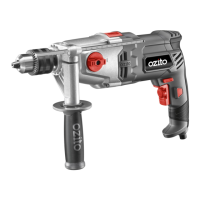
Speed Selection Dial
Hammer Selector
Forward/Reverse Lever
Gear Selection Dial
1. Turn the gear selection
dial so that your desired
gear (1 or 2) is closest to
the arrow indicator on the
drill housing.
NOTE: If you cannot turn
the dial, rotate the chuck
slightly and try again.
Note: Drill speed is reduced when in reverse.
Gear 1: Lower speed, higher torque - use for large diameter
drill bits in timber.
Gear 2: High speed drilling suited to drilling in steel & concrete.


 To Next Page