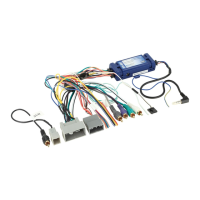
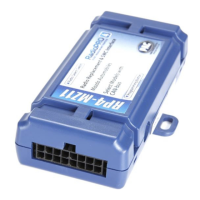
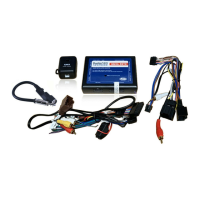
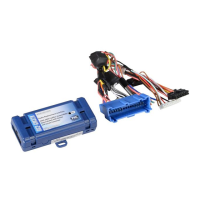
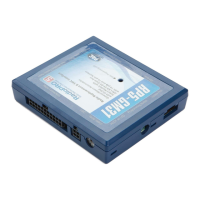
RP5-GM31
Radio Replacement & Steering Wheel Control Interface
with OnStar Retention for General Motors Vehicles
Pacic Accessory Corporation
®
| Santa Ana, California 92705 | Ph. 866-931-8021 | support@pac-audio.com
©2013 Pacic Accessory Corporation
www.pac-audio.com
Pacific Accessory Corporation
Rev. 091613
Page 4
Testing & Verication
1. Turn the ignition on. The LED on the interface will turn on & the +12v accessory wire will turn on.
2. Turn on the radio & check balance & fade. Note: Premium factory amplied systems will not fade as neither the
aftermarket radio or the RP interface have the ability to control the amplier’s fader.
3. Verify that the factory subwoofer (if present) is playing
4. Verify that all SWC are functioning properly for both the aftermarket radio and OnStar. To adjust OnStar volume, press the
OnStar button on the mirror then use the volume buttons on the SWC to adjust the level. The volume will raise a total of 8
times before returning to the original level.
5. Verify that the factory XM tuner is functioning properly.
6. Pressing the OnStar® button on the rearview mirror will turn off the rear speakers and allow the OnStar® audio to be heard
in the two front speakers. The OnStar® active LED will also turn on. When OnStar® disconnects, the radio will un-mute or
turn back on and the OnStar® LED will turn off. Pressing the Mute/OnStar® button on the steering wheel for 1.5 seconds
will also activate Onstar®.
7. Turn off vehicle & remove key. RAP will be active & keep the radio on for 10 minutes or until the drivers door is opened.
8. The LED & radio will turn off when RAP turns off or the drivers door is opened.
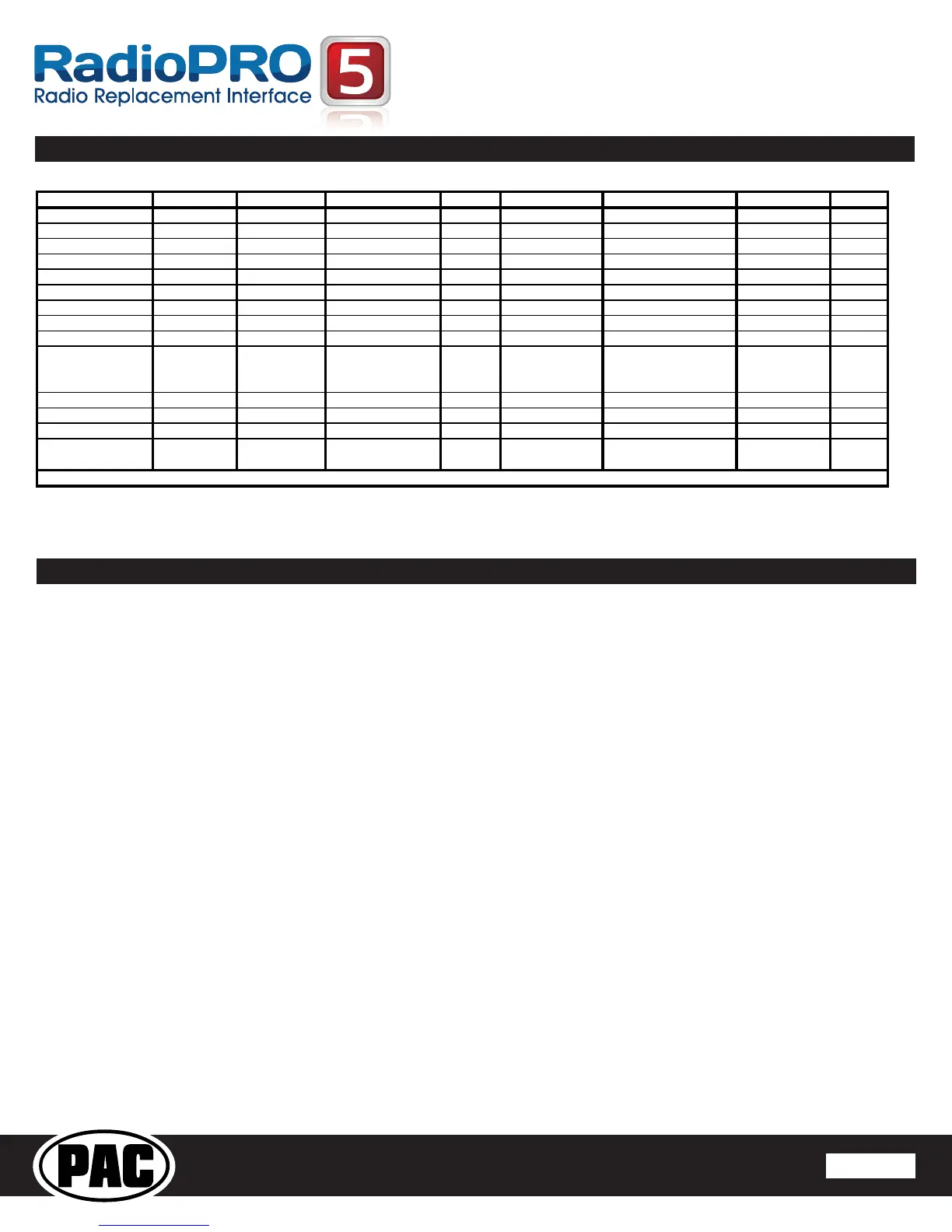
Radio
Alpine JVC Kenwood Clarion Other* Sony Pioneer Fusion
1 Volume + Volume + Volume + Volume + Volume + Volume + Volume + Volume +
2 Volume - Volume - Volume - Volume - Volume - Volume - Volume - Volume -
3 Mute Mute Mute Mute Mute Mute Mute Mute
4 Preset + Source Source Source Preset + Preset + Preset + Source
5 Preset - Track + Play Search + Preset - Preset - Preset - Track +
6 Source Track - Track + Search - Source Source Source Track -
7 Track + Band/Disc + Track - Band Track + Track + Track + Audio
8 Track - Preset/Disc - Disc/FM + Send/End Track - Track - Track - Power
9 Power Select Disc/AM - Send Band Band Band
10 Enter/Play Attenuation Answer End
Reject Call/Source
(Bluetooth equipped
radios only)
Phone Menu
11 Band/Program Phone Receive Voice Dial Skip Answer Call
12 Receive Phone Reject On Hook Skip End Call
13 End Voice Dial Off Hook Skip Voice Activation
14 Power
Mute (Multimedia
units only)
Answer/End Call
*Other = Advent, Boyo, Dual, Lightning Audio, Rockford Fosgate, & Visteon
Optional Programming Order
Optional Steering Wheel Control Programming (cont.)


 To Next Page