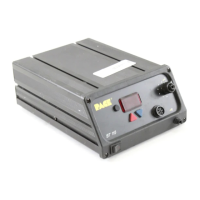
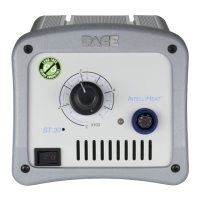
ENTERING CALIBRATION (CAL) MODE
2. Place POWER Switch in the "OFF" ("0") position.
3. Press and hold the TIP SET and Scroll Down Keys together.
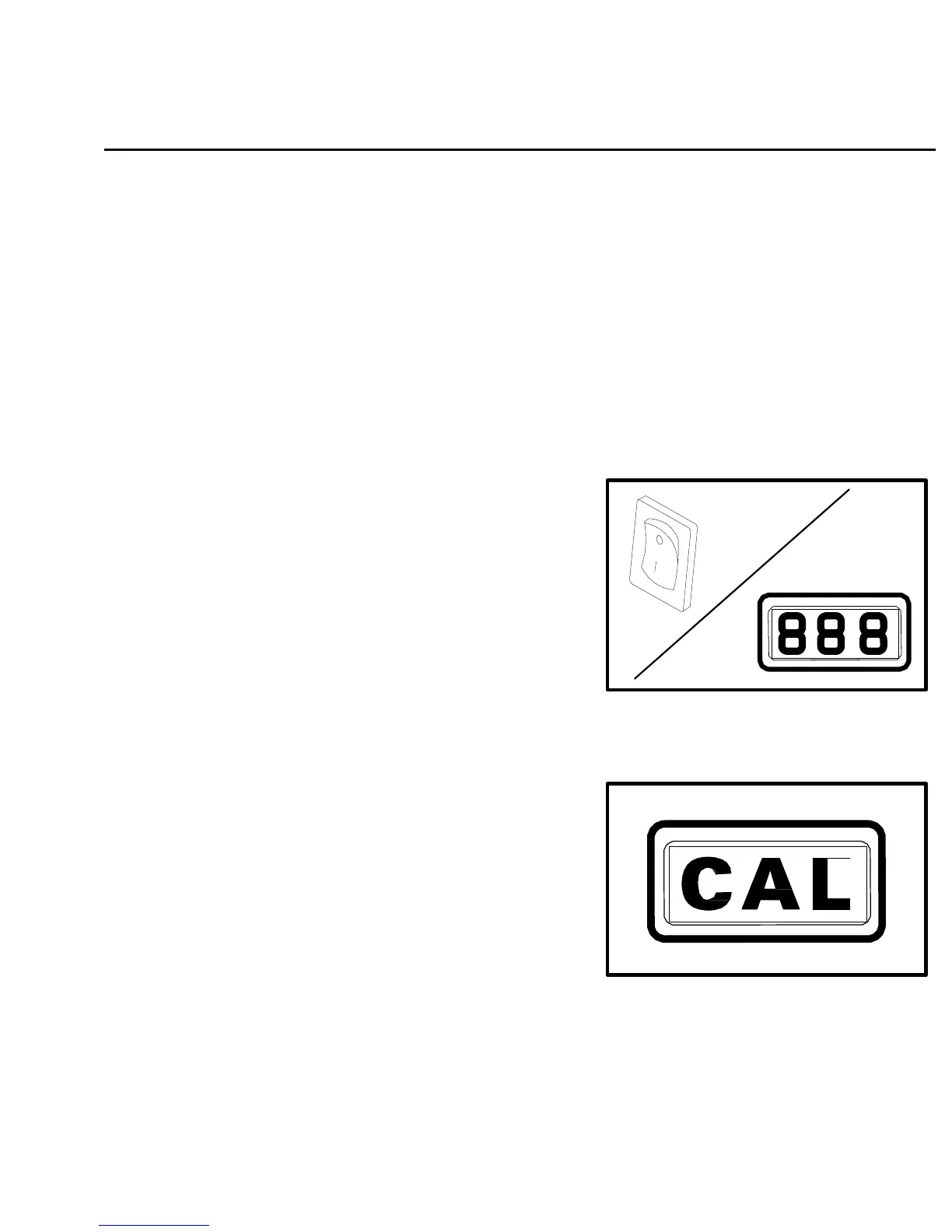
4. Place POWER Switch in the ON ("1") position. All of the
system LEDs will light. The Temperature Display will read
"888" and change to read the version of the microprocessor
circuitry (displayed in the form "X-X").
Figure 18. Power On
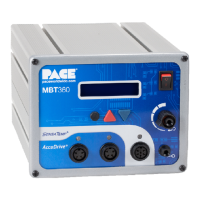
5. Release the TIP SET and Scroll Down Keys. The Digital
Readout will now display "CAL" and only the three
Channel LEDs will remain lit signifying that the system is
now in Calibration (CAL) Mode.
Figure 19. Digital Readout "CAL"
37


 To Next Page