6
Using your Sky digibox
❖
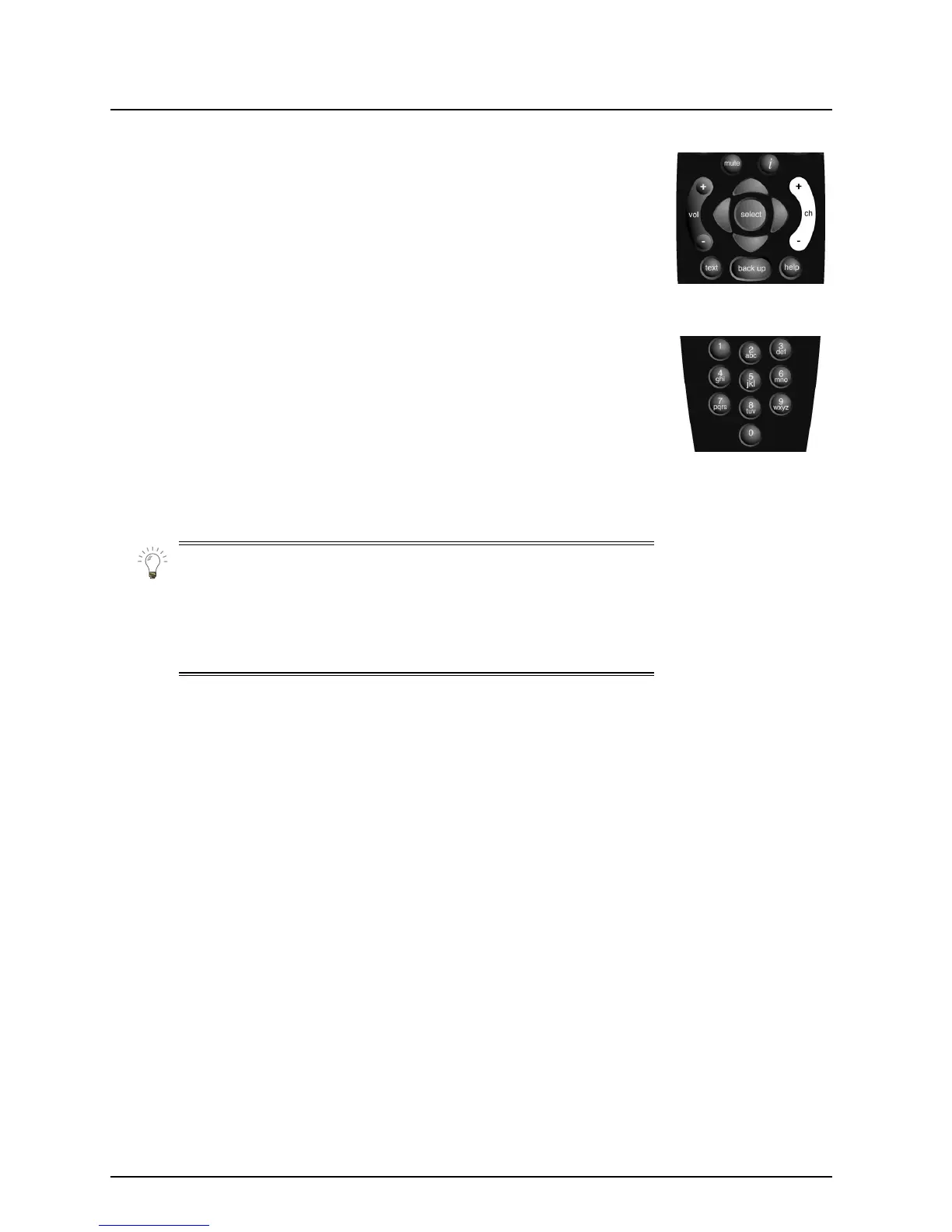
Changing channel
Using the ch key
Press
ch +
or
–
on your Sky remote control to change channel up or
down, one at a time.
Using the channel number
If you know the channel number, you can use the number keys to
choose the channel you want to watch. Channel numbers are always
three digits, for example 106.
Each time you change channel, the Search & Scan banner appears on-
screen.
The banner will disappear automatically after a few seconds, or you
can press
back up
to remove it immediately.
For a description of the Search & Scan banner, see page 7.



 To Next Page