31
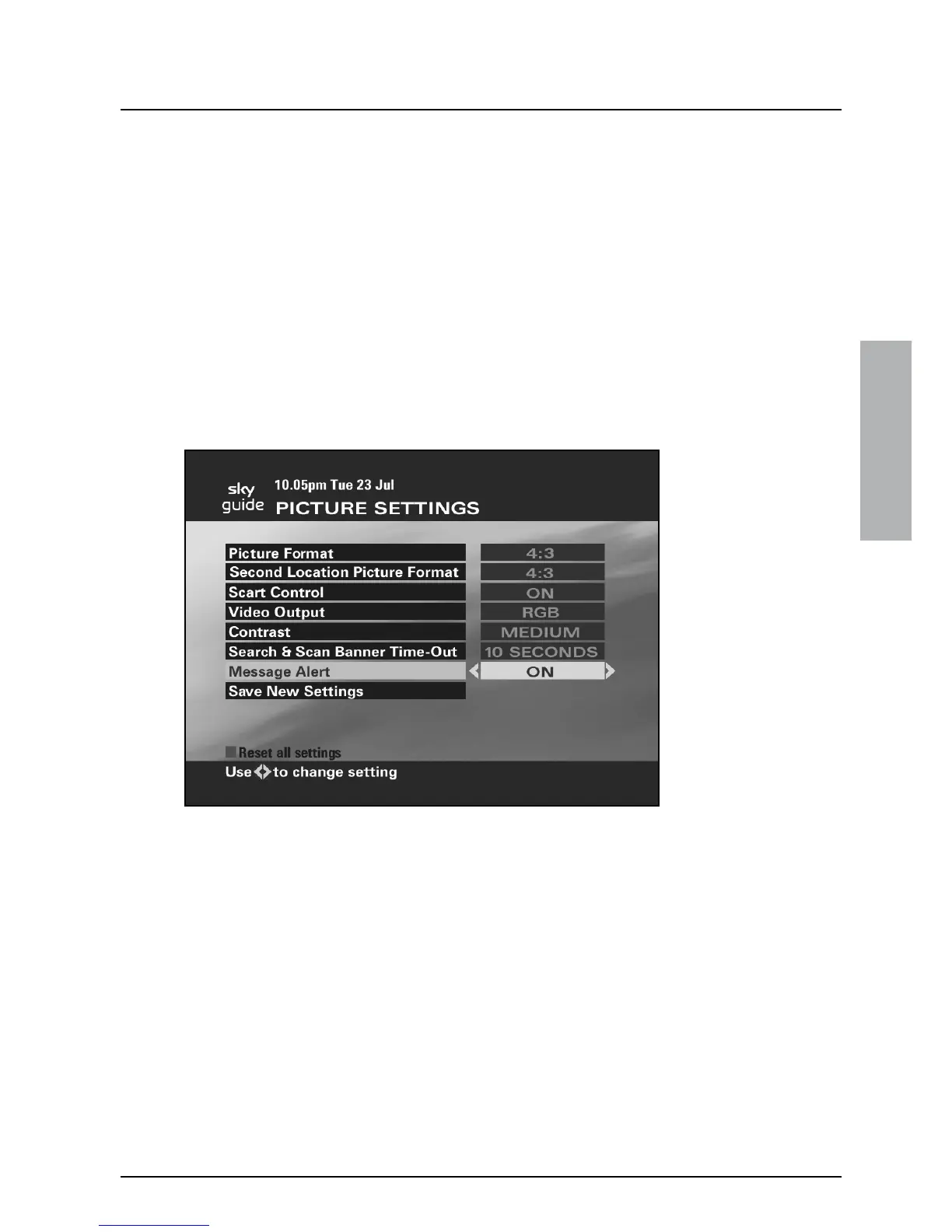
❖ Message Alert
To see the current Message Alert setting, highlight ‘Picture Settings’ on
the Services screen, then press select.
Message Alert allows you to receive an on-screen alert when you get
an email or SMS message. Before you can use this feature, you will
need to register with a service provider and specify that you wish to
receive notification on Sky.
To set Message Alert complete the following steps:
1. Highlight ‘Message Alert’ and use the left or right arrow to
change the display to ON.
2. Highlight ‘Save New Settings’, then press select.
USING YOUR SKY GUIDE



 To Next Page