32
Using your Sky digibox
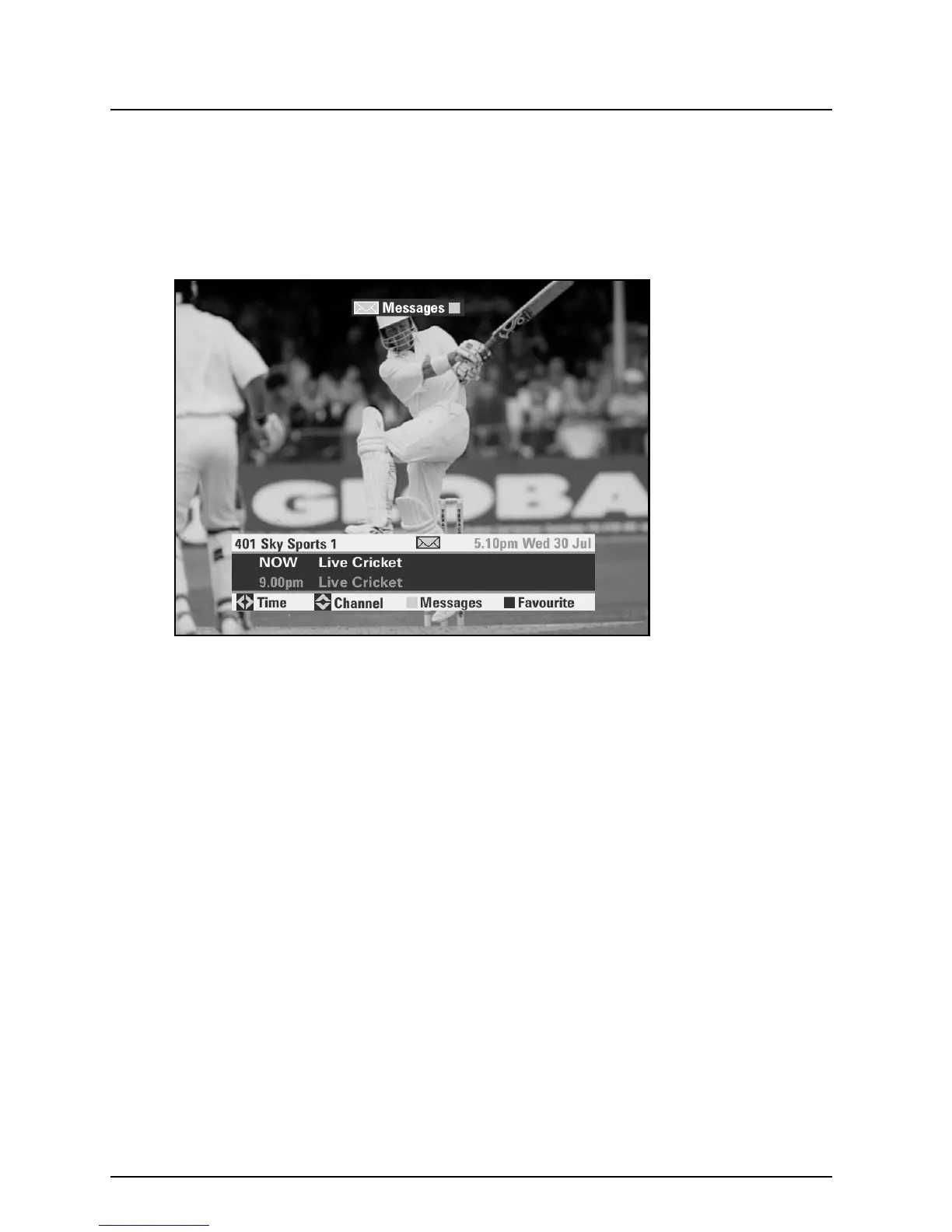
When you receive a new email or SMS message, the message light on
your digibox will switch on, and you will see an envelope icon on your
Search & Scan banner, with a prompt to press the ‘Messages’ (yellow)
key for messages. On some channels, a small on-screen envelope icon
will appear briefly over television viewing.
To retrieve your messages, press the ‘Messages’ (yellow) key, highlight
the message you wish to read, then press select.



 To Next Page