5
❖
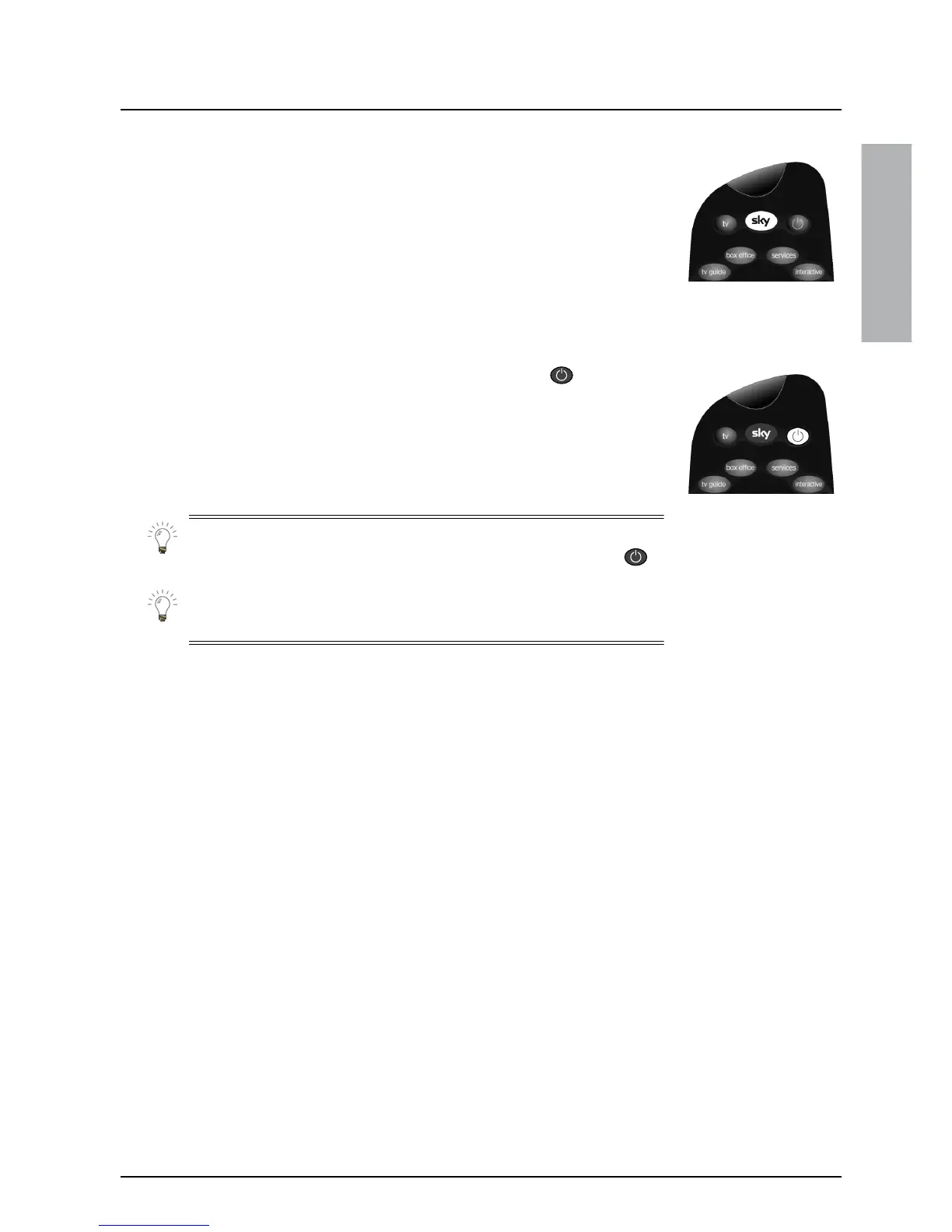
Turning your Sky digibox on and off
To turn your Sky digibox on, press
Sky
on your Sky remote control.
Make sure the standby light (S
) on the front of your Sky digibox is
green – this shows your Sky digibox is on.
To turn your Sky digibox off, press the standby key ( ) on your
remote control.
The standby light (S
) shows red when your Sky digibox is off, but still
plugged into the mains. It is not necessary to unplug your Sky digibox
when it is not in use.
Your Sky remote control can also turn your TV on or off – press
tv
then a channel number to turn your TV on, or
tv
then standby ( )
to turn it off.
When you are not using your Sky digibox you should turn it off, as
described above, to save household energy.
GETTING STARTED



 To Next Page