20
Using your Sky digibox
❖ Box Office
This section of Sky Guide is where you can choose the Box Office
programmes you want to watch.
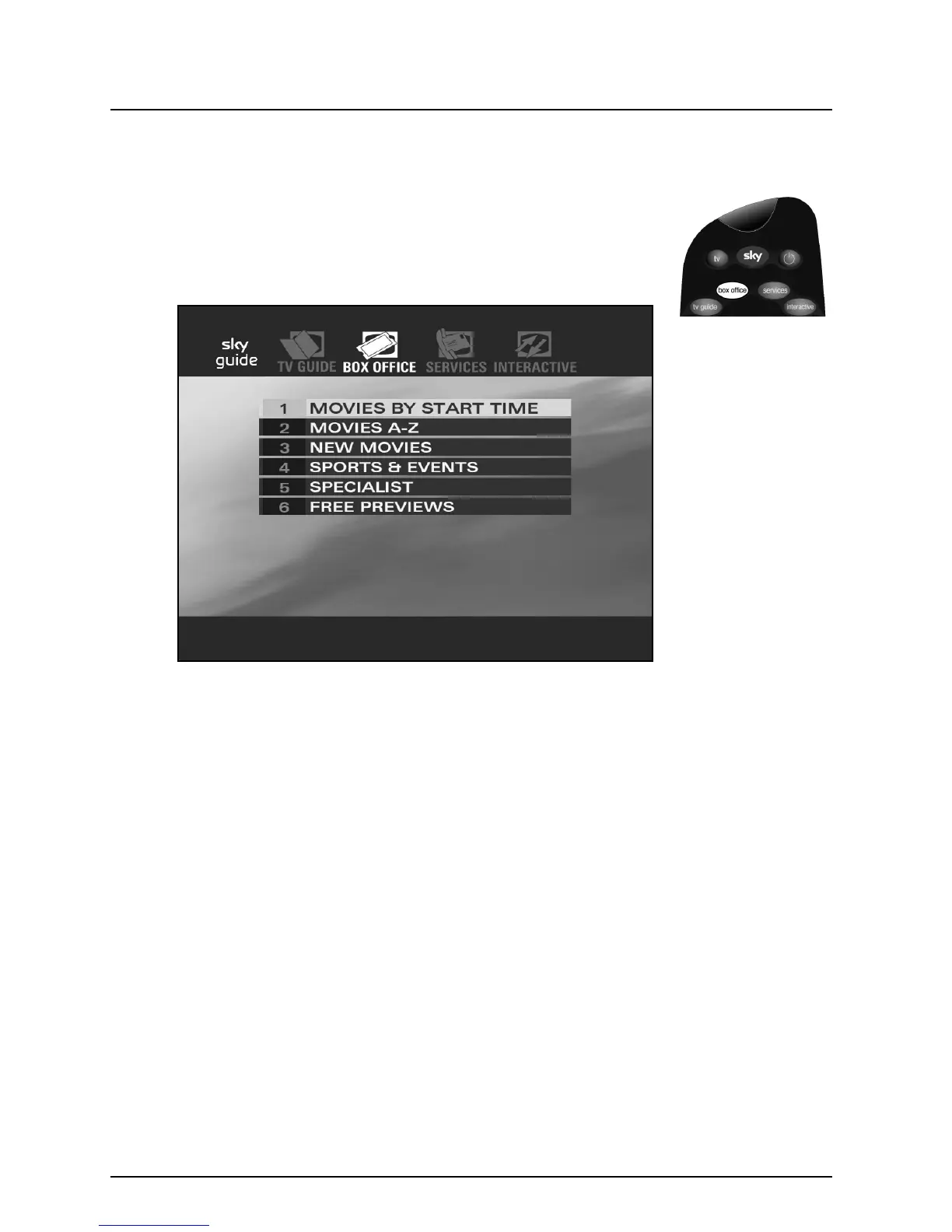
Press box office on your remote control to see the Box Office
screen.
The Box Office screen allows you to see listings of movies by start
time, in alphabetical order or just the latest additions. You can also see
listings for sports and events, as well as for specialist programmes.
To see the listing you want, use the arrows to highlight it, then press
select.
You can also see free previews of Box Office programmes by selecting
‘Free Previews’.



 To Next Page