18
Using your Sky digibox
Removing a programme
To remove a programme from your Personal Planner, highlight it, then
press the ‘Delete’ (yellow) key. The programme will be automatically
deleted.
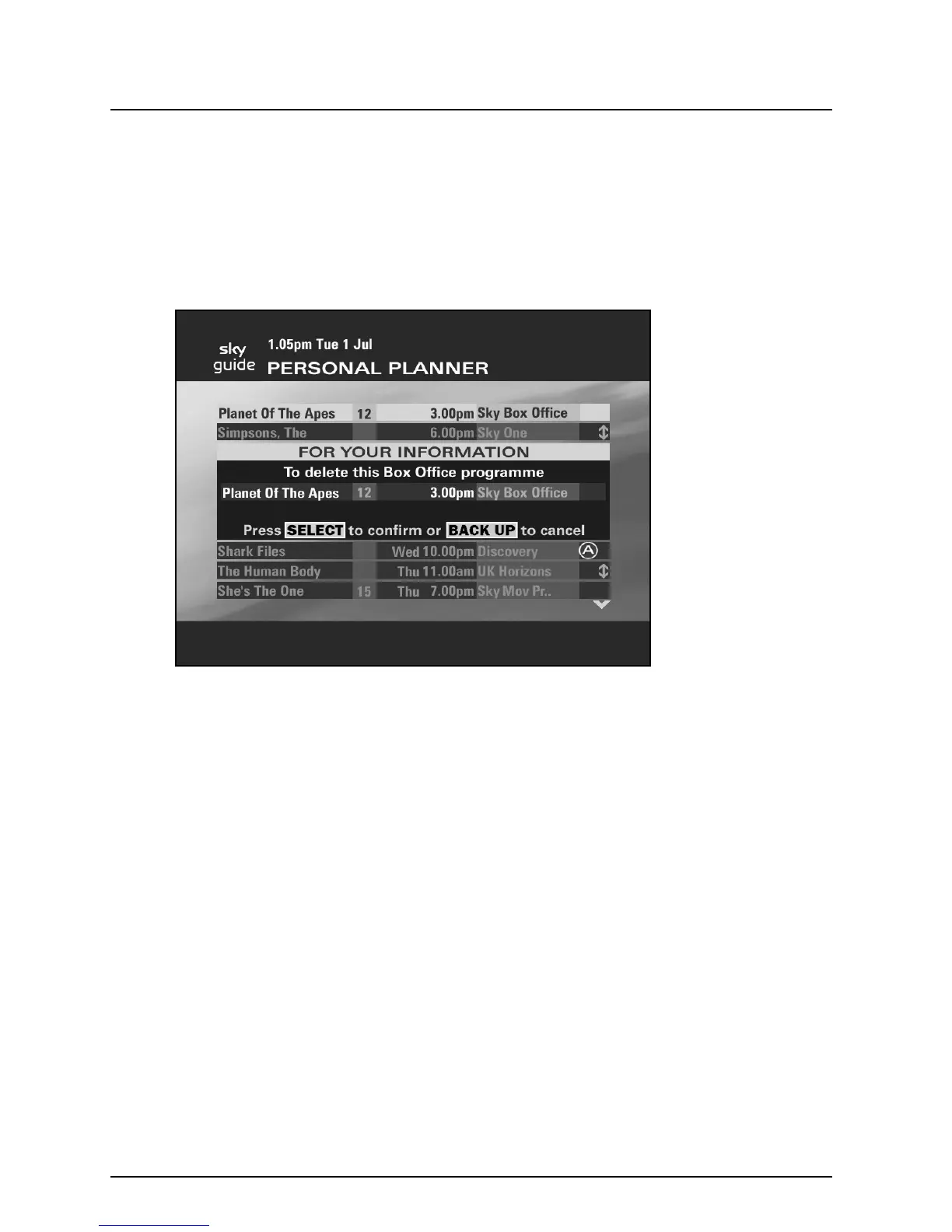
You may be asked to confirm your deletion, if so the following banner
will be shown.
Press select to confirm the deletion. If you press back up then the
deletion is cancelled and your Personal Planner is re-displayed
containing the selected programme.



 To Next Page