27
Changing your PIN
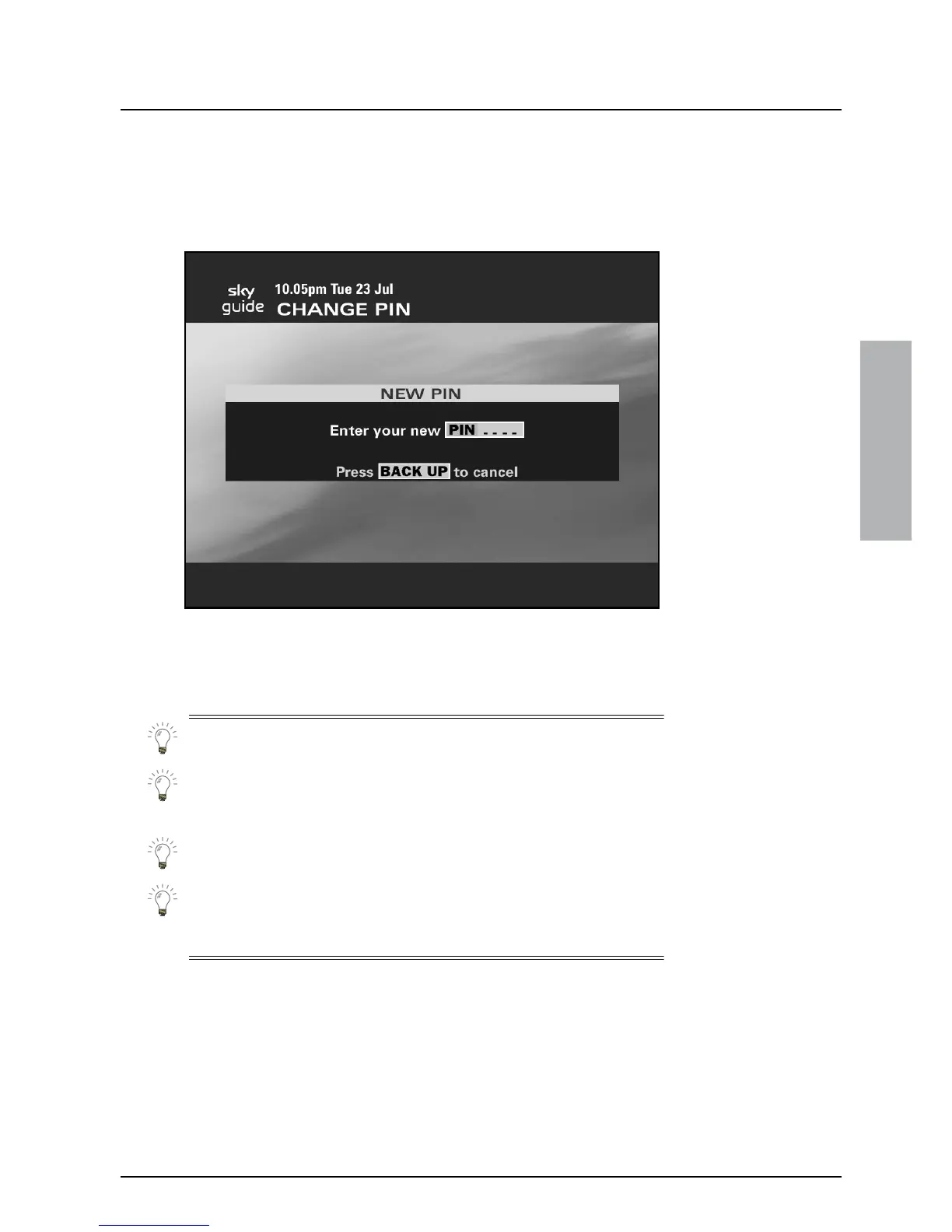
To see the Change PIN screen, highlight ‘Change PIN’ on the Parental
Control screen, then press select.
The Change PIN screen lets you change your PIN any time you wish.
To change your PIN you must key in your new PIN twice.
Keep your PIN secret!
Choose a PIN you can remember. If you forget your PIN, call your
broadcaster’s helpdesk. For your broadcaster’s helpdesk number,
select the Telephone Numbers option from the Services screen.
If you start to change your PIN but then decide not to, press back up.
Your PIN will stay as it was.
If your Sky digibox is not connected to your telephone line, you will
have to call your broadcaster’s helpdesk to change your PIN or
spending limit.
USING YOUR SKY GUIDE



 To Next Page