System Operations Manual
www.paceworldwide.com
Page 21 of 50
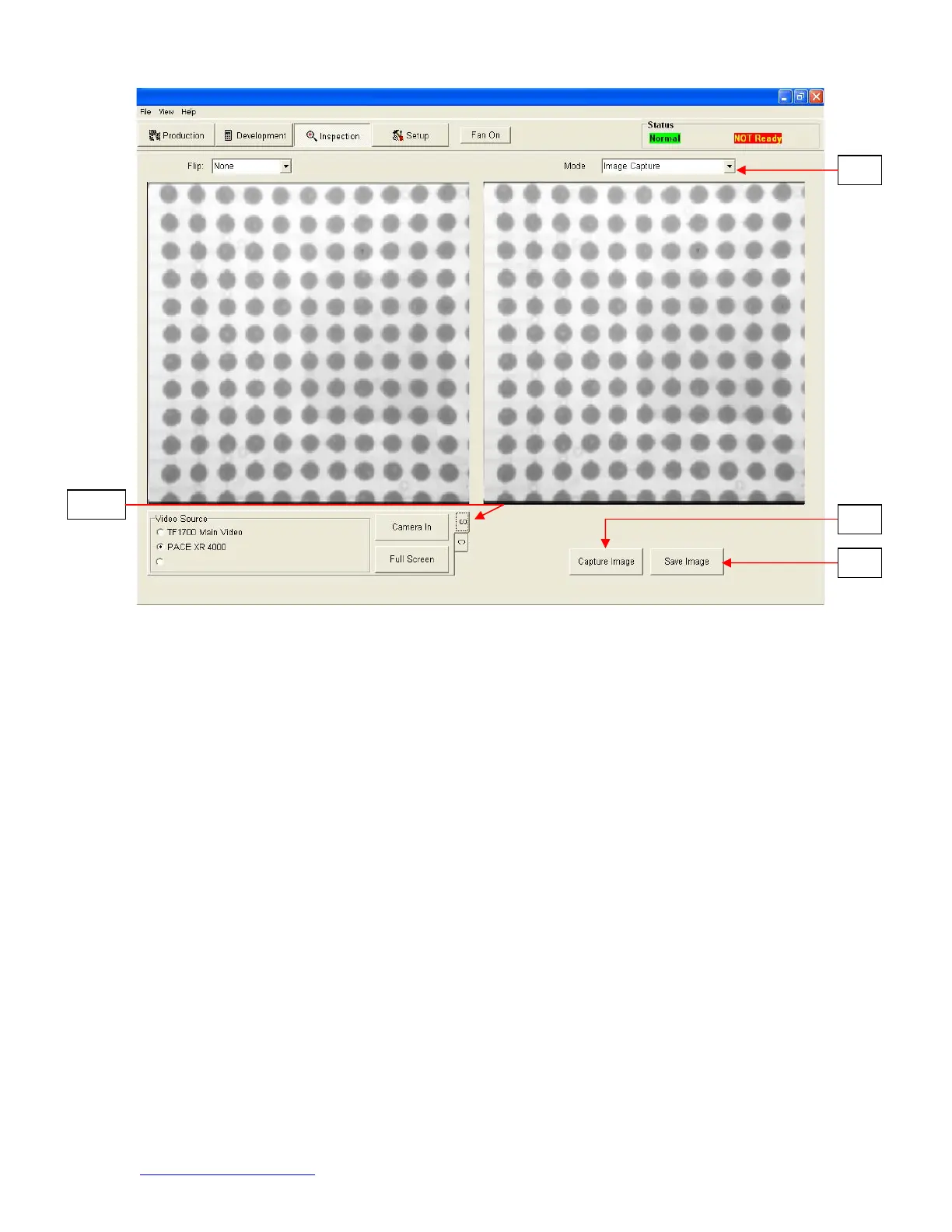
viii. Video Source. Select whether the image is from the BGA workstation (C)
camera or (S) alternate source.
ix. Mode. Allows operator to review library images (Fig 8a), capture images (Fig
8b), review saved images (Fig 8c), and create report (Fig 8d).
x. Save Image. Save image in TIFF format Capture Image.
xi. Takes a snapshot of the current camera image.
Ca
ture Mode Fi
ure 8b


 To Next Page