System Operations Manual
www.paceworldwide.com
Page 9 of 50
ii. Insert PC into brackets on back of BGA Rework Station.
iii. Monitor
1. Connect power cord.
2. Connect video cable to the 9-pin connector of the PC.
iv. Keyboard – connect cable to computer.
v. Mouse – connect cable to computer.
vi. Connect cables between PC and back of BGA Rework Station according
to labels.
vii. Connect power cords to BGA Rework Station and PC.
b. Start up
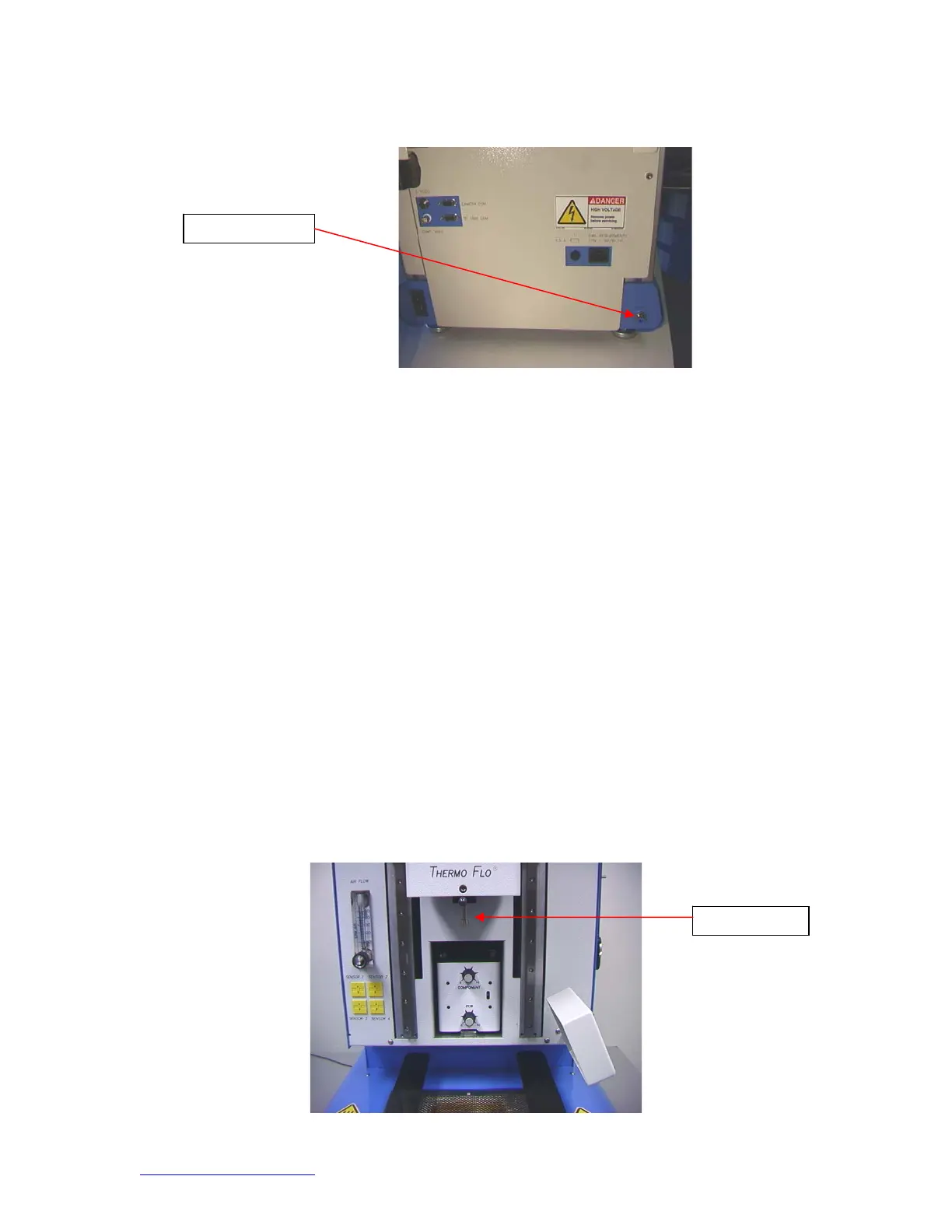
i. Turn on circuit breaker on back of unit.
ii. Turn on power switch on front of unit.
iii. Turn on computer.
iv. Turn on monitor.
v. Mouse click on software icon.
vi. Read and accept license.
c. Inserting/changing vacuum pick.
i. Insert proper size vacuum pick. The diameter needs to be smaller than
the top of the component. The pick screws into place. (Figure 3a)
Warning: Use of tools to tighten vacuum pick may result in damage
to system. Tighten vacuum pick by hand only.
Vacuum
ic
2
Connection


 To Next Page