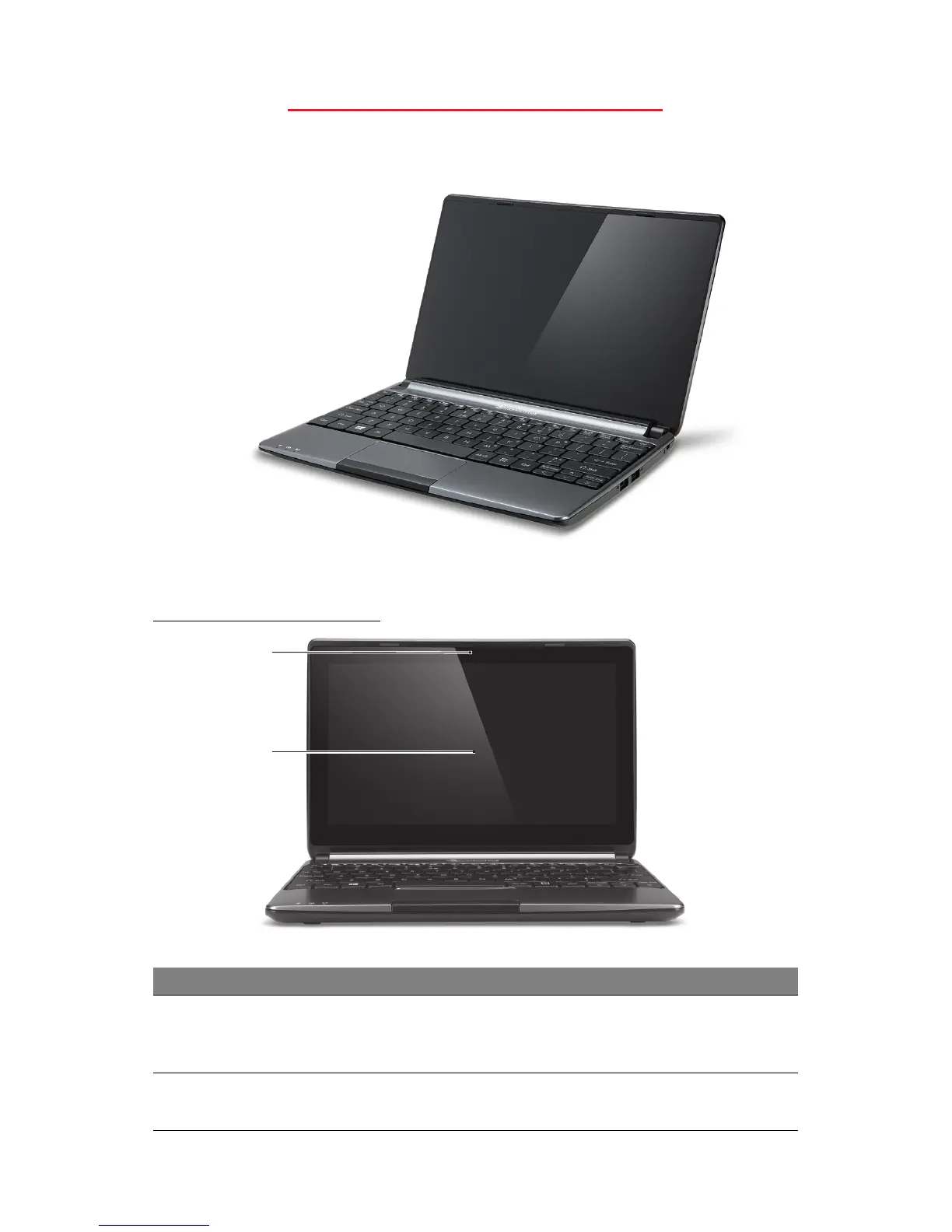
Getting to know your computer - 5
GETTING TO KNOW YOUR
COMPUTER
After setting up your computer, as illustrated in the setup instructions, let
us show you around your new Packard Bell computer.
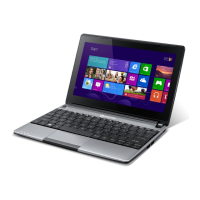
Packard Bell EasyNote ME69BMP
TOP VIEW - DISPLAY
1
2
# Icon Item Description
1 Webcam
Web camera for video communication.
A light next to the Webcam indicates that the
webcam is active.
2 Touchscreen
Displays computer output, supports multi-touch
input.










 To Next Page