11 | C4 A s s e m b l y & I n s t a l l a t i o n G u i d e
With Wall Kit
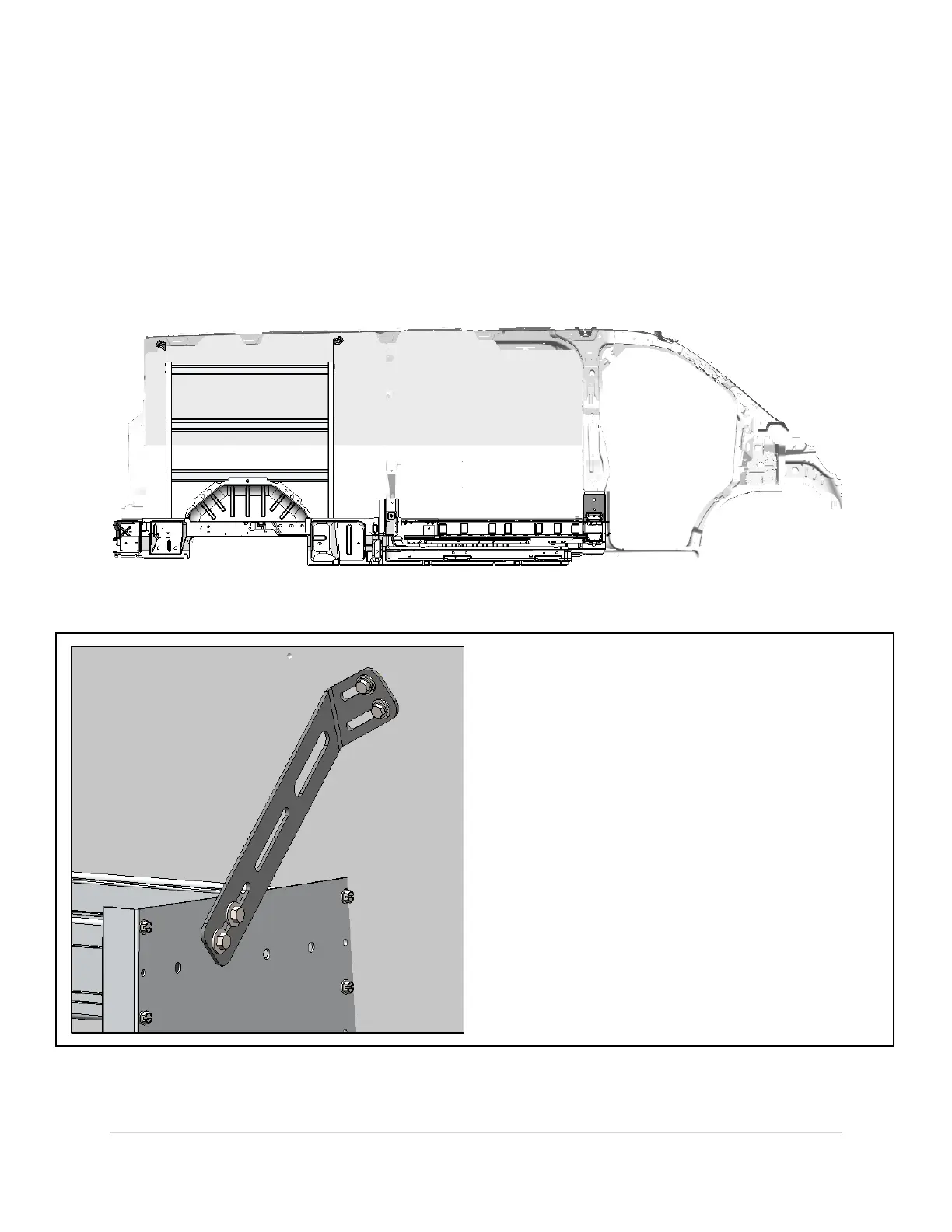
1. Make 4 marks using the slots of the mounting brackets onto the wall kit.
2. Use a 1” hole saw to carefully cut out holes in the wall kit at the desired fastener location (in the
locations where plus nuts were installed).
3. Use a 1/2" drill with a collar set to a 1/2" depth to drill out the holes.
4. Install the Plus Nuts into the holes. (See page 9)
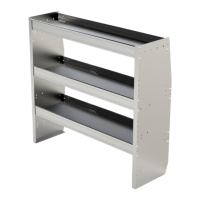
5. Fasten the Shelf Unit to the vehicle.
Fasten the Shelf Unit to the wall.
Tools Used:
Cordless Impact Driver
Cordless Drill
1” Hole Saw
1/2" Drill Bit with Drill Collar (Set to 1/2" Depth)
1/2” Nut Driver Bit
Hardware Used:
4 x 5/16-18 x 1-1/4” Hex Bolt
4 x 5/16 Flat Washer
4 x 5/16 Lock Washer
4 x 5/16 Plus Nut


 To Next Page