Part 3 - Conguration
46
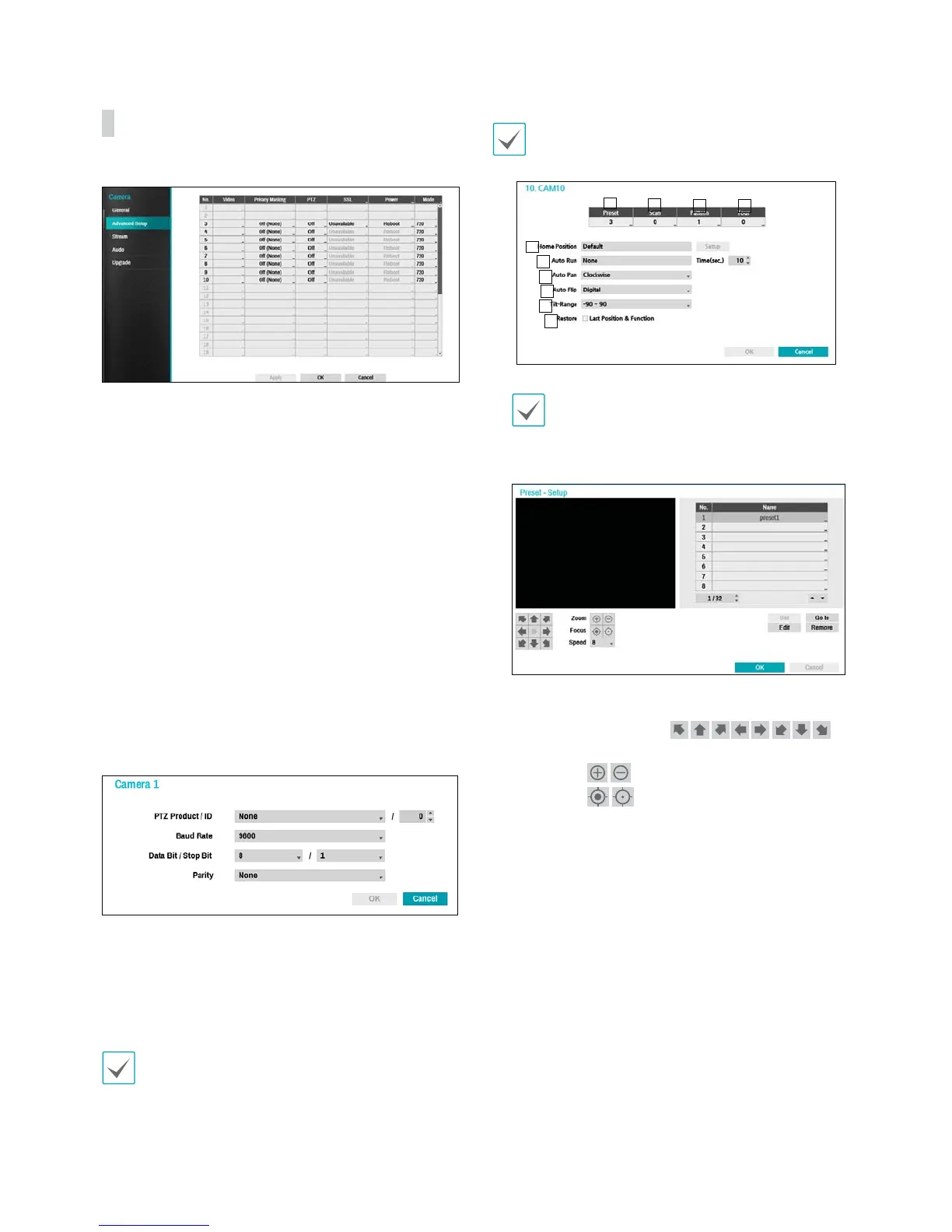
Advanced Setup
Congure security and other advanced camera settings.
t Video: Adjust the camera image sensor settings such
as white balance and exposure. Conguration options
may dier depending on the camera model.
t Privacy Masking: Enable/disable and congure
privacy masking for the camera.
t PTZ: If using an RS485-compliant camera, congure it
for use in PTZ Mode.
t SSL: Set the camera's security level as Unavailable,
Standard, High, or Very High. Standard, High and
Very High settings apply SSL (Secure Sockets Layer)
protection to the camera.
t Power: Control the camera's power. This option is
available when connecting to Video In/PoE port or
using a DirectIP™ PoE Switch (optional). Select Reset
in the camera’s power settings to restart the camera. It
is not supported by video encoders.
t Mode: Select a resolution mode. This is supported by
video encoders only.
– PTZ Product: Choose to select the model of
installed PTZ device.
– ID: Choose to assign an ID to each PTZ device.
– Choose to set up Baud Rate, Data Bit, Stop Bit
and Parity of the connected device.
Refer to the PTZ device manufacturer’s instructions for
the proper settings.
Types of conguration options shown vary depending
on the PTZ functions supported by the camera.
1
2
3 4
5
6
7
8
9
0
Numbers shown below Preset, Scan, Pattern,
and Tour indicate the numbers of congured
functions.
1 Preset
t Use the buttons below to choose a preset
position.
- Directional Buttons (
):
Used to tilt and pan the camera.
- Zoom (
): Zoom in and out.
- Focus (
): Adjust camera focus to far or
near.
- Speed: Specify the camera's panning and tilting
speed.



 To Next Page