PageFlip Firefly User Guide 4. BASIC OPERATION
4 BASIC OPERATION
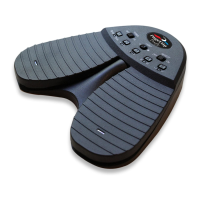
Please read the operating instructions carefully before first use. PageFlip
Firefly is designed to work with a wide variety of software to display elec-
tronic documents. It is important that the user closely follow the directions
below in order to maximize performance, reliability, and reading pleasure.
4.1 Battery Installation
1. Turn off the PageFlip Firefly pedal before inserting the batteries.
2. Remove the battery cover on the bottom of the pedal.
3. Install two new AA batteries.
4. Slide the battery cover back on.
Note: To conserve battery power, turn off device when not in use. The unit
automatically goes to sleep after 30 minutes of inactivity, but can awake
instantly upon a pedal tap. You will notice that the pedal is asleep if the
POWER switch is set to On but no LEDs are lit next to the pedal mode
buttons. A simple tap will initiate Bluetooth pairing immediately.
PageFlip, Inc. 10 www.pageflip.com


 To Next Page