PageFlip Firefly User Guide 4.7 Triggering the Pedal
4.7 Triggering the Pedal
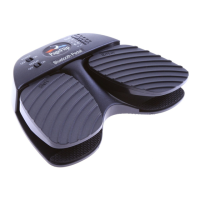
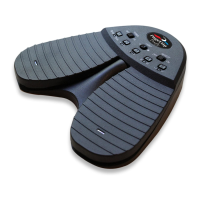
The PageFlip Firefly Bluetooth pedal can be triggered by:
1. tapping the left or right pedal of the PageFlip Firefly
2. activating an external (auxiliary) switch
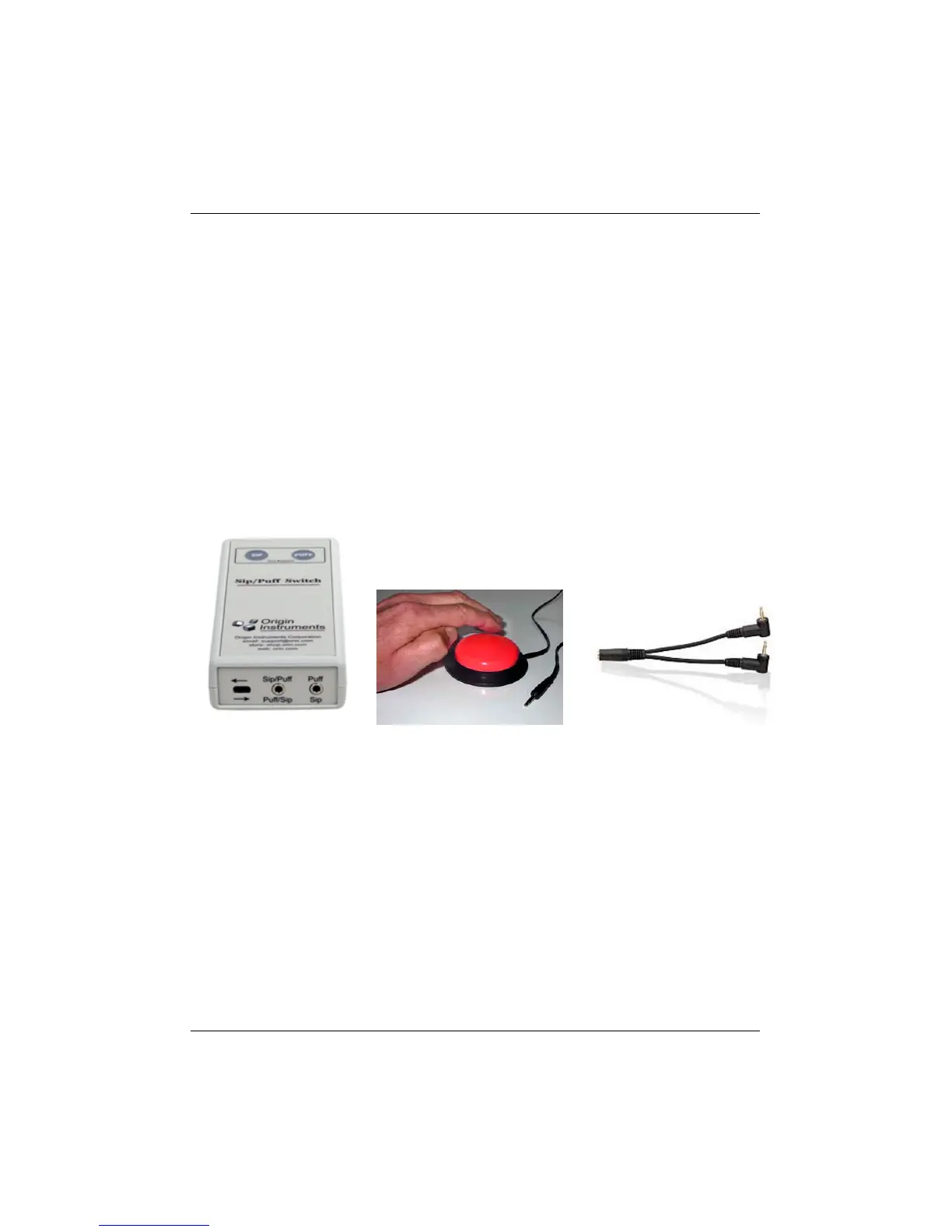
PageFlip Firefly works with sip-and-puff switches, AbleNet Jelly Bean
pushbuttons, or any external switch that can be plugged into the two 1/8"
mono outlets shown in Fig. 2. Use a plug adapter, if necessary, to convert
other plugs for use with the unit. PageFlip does not supply plug adapters
or external switches. Consult assistive technology vendors for more infor-
mation about switches.
(a) (b) (c)
Figure 6: (a) A sip-and-puff switch can connect to the PageFlip Firefly
auxiliary outlet via two 1/8" (3.5mm) mono plugs. (b) A Jelly
Bean is a large pushbutton switch. Two such switches can be
connected to the PageFlip Firefly to turn pages in either direc-
tion by using the two outlets for 1/8" mono plugs. Plug one
switch into the R outlet to turn pages forward or plug both into
the L and R outlets for bidirectional operation. (c) Use a 1/8"
stereo to dual 1/8" mono plug adapter for converting stereo
plugs into two mono plugs.
PageFlip, Inc. 18 www.pageflip.com


 To Next Page