EasyManua.ls Logo

Pakedge SE-8 - User Manual

Pakedge SE-8
8 pages
Print Icon
To Next Page IconTo Next Page
Loading...
SE-8, SE-8i
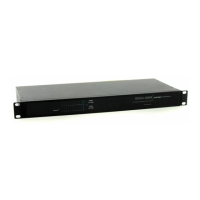
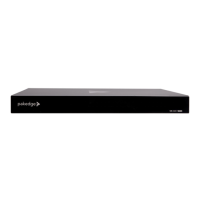
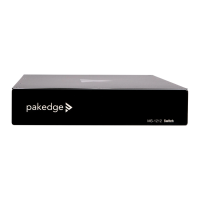
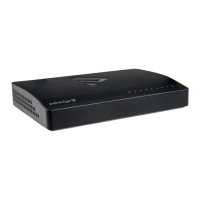
8-port Unmanaged Gigabit Switch
QUICK START GUIDE
Question and Answer IconNeed help?

Do you have a question about the Pakedge SE-8 and is the answer not in the manual?

Summary

Switch Overview

Technical Specifications

Details the technical specifications of the SE-8 and SE-8i Gigabit Switch, including power, capacity, and dimensions.

Hardware Features

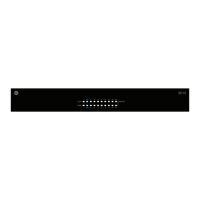
Front Panel Overview

Details the front panel components, including the power indicator and port indicators with their status meanings.

Back Panel Overview

Details the back panel layout, highlighting the Ethernet ports and the power port for connectivity.

Mounting Instructions

Applications

Primary Switch Configuration

Illustrates a network setup where the SE-8 switch acts as the primary connection point for various devices.

Edge Switch Configuration

Shows how the SE-8 switch can be used as an edge device in a larger network infrastructure.
Technical Support

Summary

Switch Overview

Technical Specifications

Details the technical specifications of the SE-8 and SE-8i Gigabit Switch, including power, capacity, and dimensions.

Hardware Features

Front Panel Overview

Details the front panel components, including the power indicator and port indicators with their status meanings.

Back Panel Overview

Details the back panel layout, highlighting the Ethernet ports and the power port for connectivity.

Mounting Instructions

Applications

Primary Switch Configuration

Illustrates a network setup where the SE-8 switch acts as the primary connection point for various devices.

Edge Switch Configuration

Shows how the SE-8 switch can be used as an edge device in a larger network infrastructure.

Technical Support

Pakedge SE-8 Specifications

General IconGeneral
BrandPakedge
ModelSE-8
CategorySwitch
LanguageEnglish

Related product manuals