EasyManua.ls Logo

Pakedge SW24-GBM - User Manual

Pakedge SW24-GBM
12 pages
Print Icon
To Next Page IconTo Next Page
Loading...
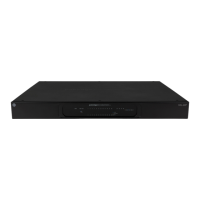
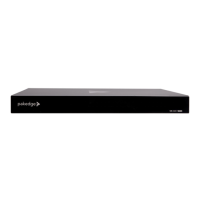
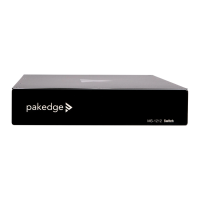
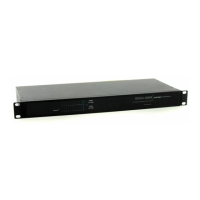
SW24-GBM
Enterprise-Class, 24-Port Fully Managed Switch
Quick Installation Guide – Version 1.1
Question and Answer IconNeed help?

Do you have a question about the Pakedge SW24-GBM and is the answer not in the manual?

Summary

Introduction to SW24-GBM Switch

Quick Switch Overview

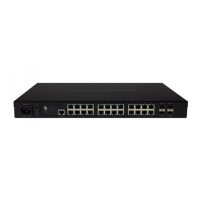
Lists port names and features of the SW24-GBM switch.

Preparing to Install the Switch

Installation

Steps for physical installation of the SW24-GBM switch.

Switch Configuration

Configuring the Switch Using the Web Interface

Steps to configure the switch via its web interface.

Reset IP Address via Console Cable

Default Serial Port Settings for Console Connection

Table of default serial port settings for console connection.

Troubleshooting and Support

Contact Information

Contact details for technical support and troubleshooting.
Summary

Introduction to SW24-GBM Switch

Quick Switch Overview

Lists port names and features of the SW24-GBM switch.

Preparing to Install the Switch

Installation

Steps for physical installation of the SW24-GBM switch.

Switch Configuration

Configuring the Switch Using the Web Interface

Steps to configure the switch via its web interface.

Reset IP Address via Console Cable

Default Serial Port Settings for Console Connection

Table of default serial port settings for console connection.

Troubleshooting and Support

Contact Information

Contact details for technical support and troubleshooting.

Pakedge SW24-GBM Specifications

General IconGeneral
BrandPakedge
ModelSW24-GBM
CategorySwitch
LanguageEnglish

Related product manuals