5
System Mode
14
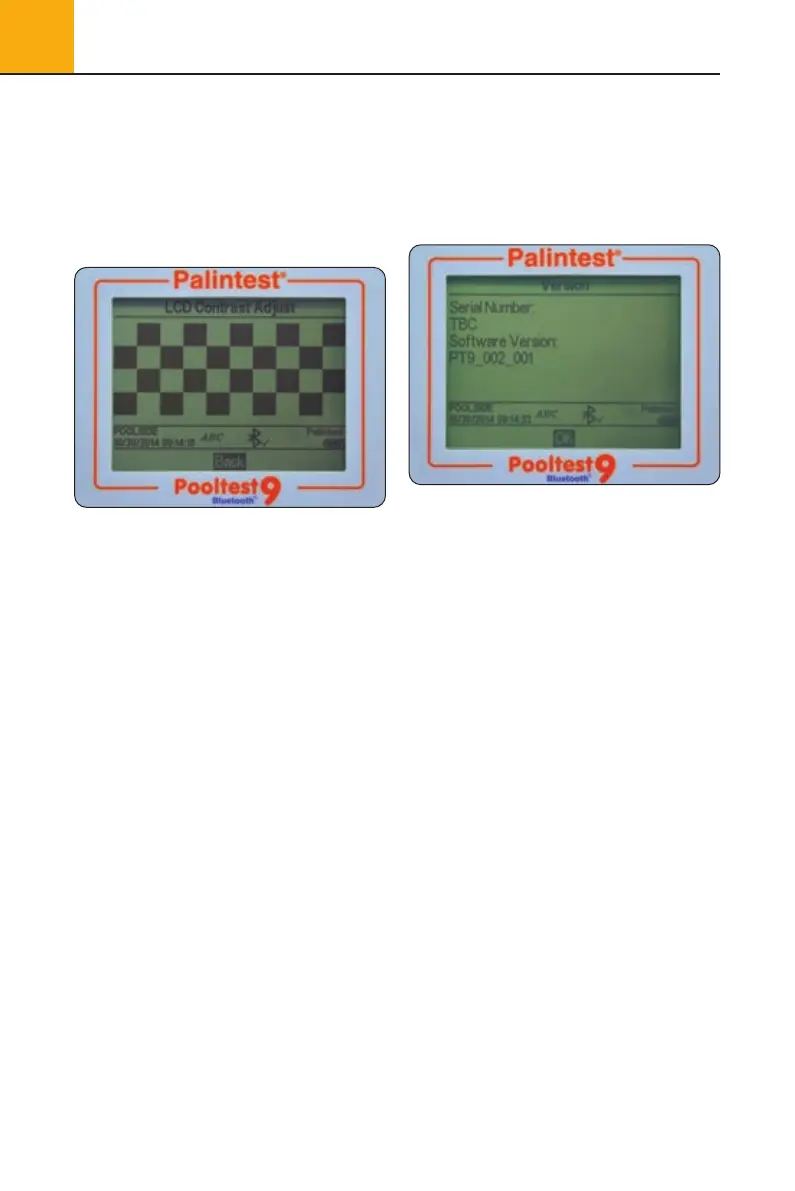
5.16 LCD Contrast
In addition to the Backlight, the default contrast
setting for the display can be adjusted using the
up/down keys when light conditions are difficult.
The display provides a sequence of alternating
squares to give visual indication of the correct
settings to apply.
When complete/acceptable press the OK key.
5.17 Version
The serial number of the instrument and the
software version are displayed. The instrument
serial number will be required for technical
support and servicing/warranty and can also
be found on the case of the instrument.
Pooltest9Bluetooth_ZI INST 7009B EN 29/7/15 12:03 Page 14


 To Next Page