13
Appendix 5 - Palintest Aqua Pal App and the Palintest Portal
30
What is the Aqua Pal App?
Generating reliable and accurate water test data
is only part of the process of managing swimming
pools, spas, hydrotherapy pools and hot tubs.
Collating the data quickly and sharing with
other members of the team can be the difference
between effective control and failing to adhere
to local regulatory standards.
The Palintest Aqua Pal app is intrinsic in the
process of storing, sharing and managing data
produced by the Pooltest 9 Bluetooth and also
allows for additional data to be added manually
for the Big Data experience.
The Aqua Pal app is available for both iOS and
Android (version 4.3 or later) devices that are
equipped with Bluetooth SMART connectivity.
On first use the Aqua Pal app will require a
registration step for both the app and the secure
Palintest Portal.An internet connection is required
to process the request as it will involve a second
stage authentication via the provided email address.
Once the sign up process is completed the Aqua
Pal app and Palintest Portal are ready to go.
Connecting to the Aqua Pal App
Enable Bluetooth on the Pooltest 9 Bluetooth.
The icon will appear on the Info Panel showing
Bluetooth is on but not connected.
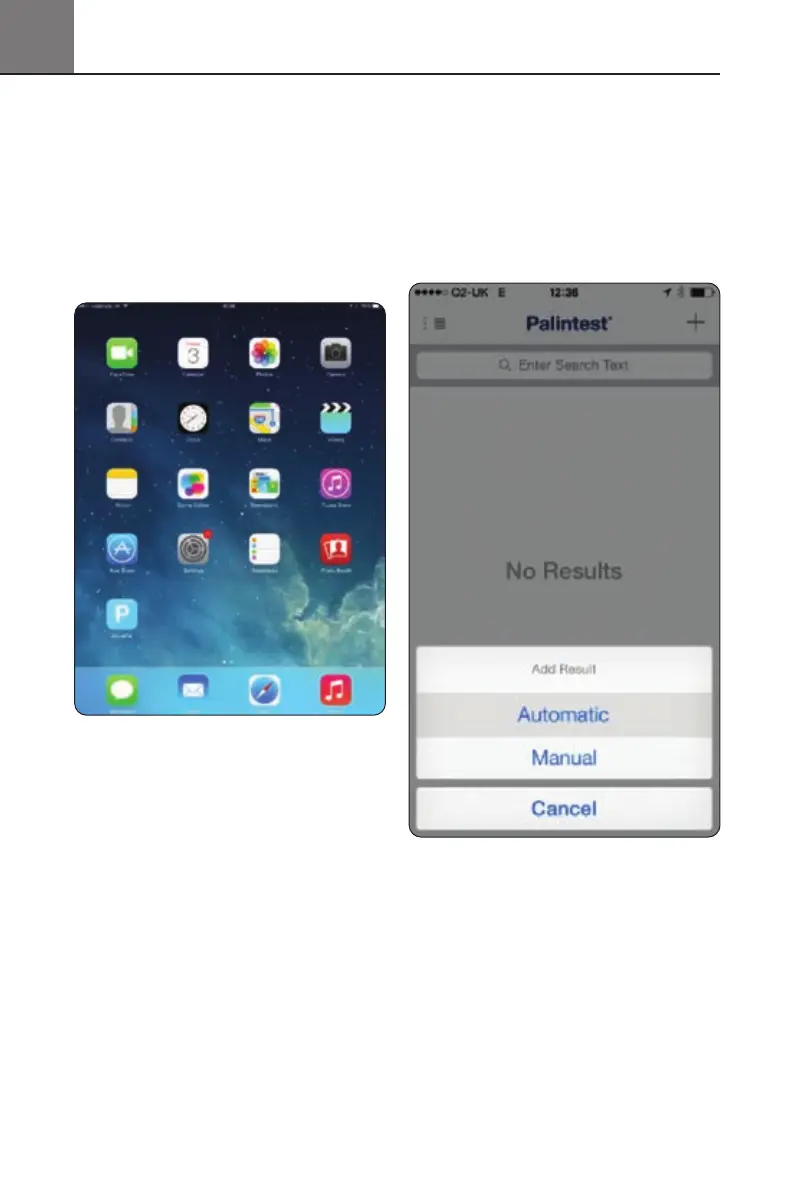
Open the Aqua Pal app and log in using your
registration credentials. Choose whether to
use automatic or manual result addition.
To connect the Pooltest 9 Bluetooth press the ‘+’
symbol in the top right hand corner of the device
screen. This will produce the list of all locally
advertising Bluetooth SMART devices.
Pooltest9Bluetooth_ZI INST 7009B EN 29/7/15 12:03 Page 30


 To Next Page